nlcst-to-string review
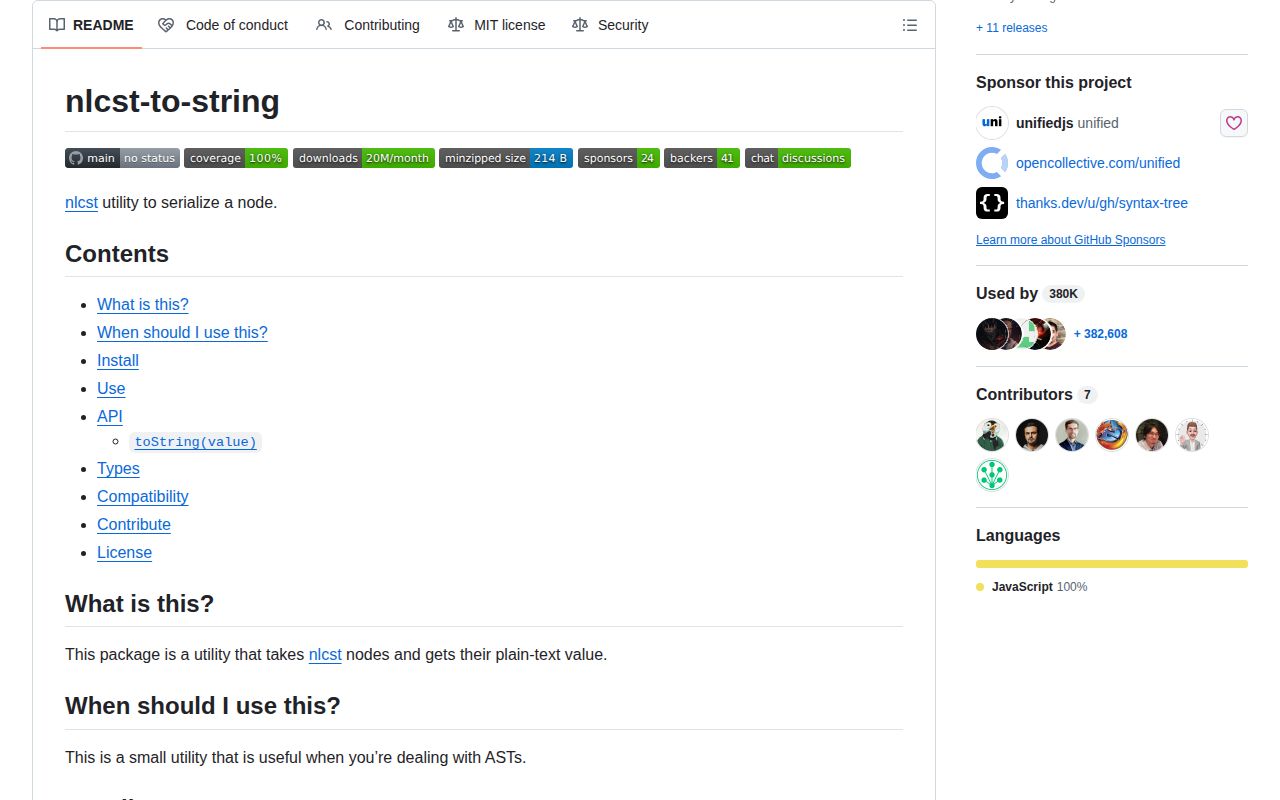
nlcst-to-string 4.0.0 extracts plain text from one nlcst node or an array of nodes. Its single named toString function returns a node's value when present; otherwise it recursively concatenates child text without adding separators. This makes it useful inside retext and other nlcst transforms, where whitespace and punctuation already exist as valued nodes. It does not parse language, reconstruct removed formatting, use source positions, or serialize arbitrary unist trees. Version 4 adds an exports map, raises the documented floor to Node 16, updates nlcst types, and removes the old separator option. Our Node 22 test found working import and require paths plus a 0.3 KB gzipped browser bundle.
nlcst-to-string 4.0.0 installed in 1.3 seconds, used 1 MB across 3 packages, and bundled to 0.3 KB gzipped with 0 audit findings in our sandbox. Install it only when nlcst nodes already exist and exact value-first concatenation is the desired result.
We installed it
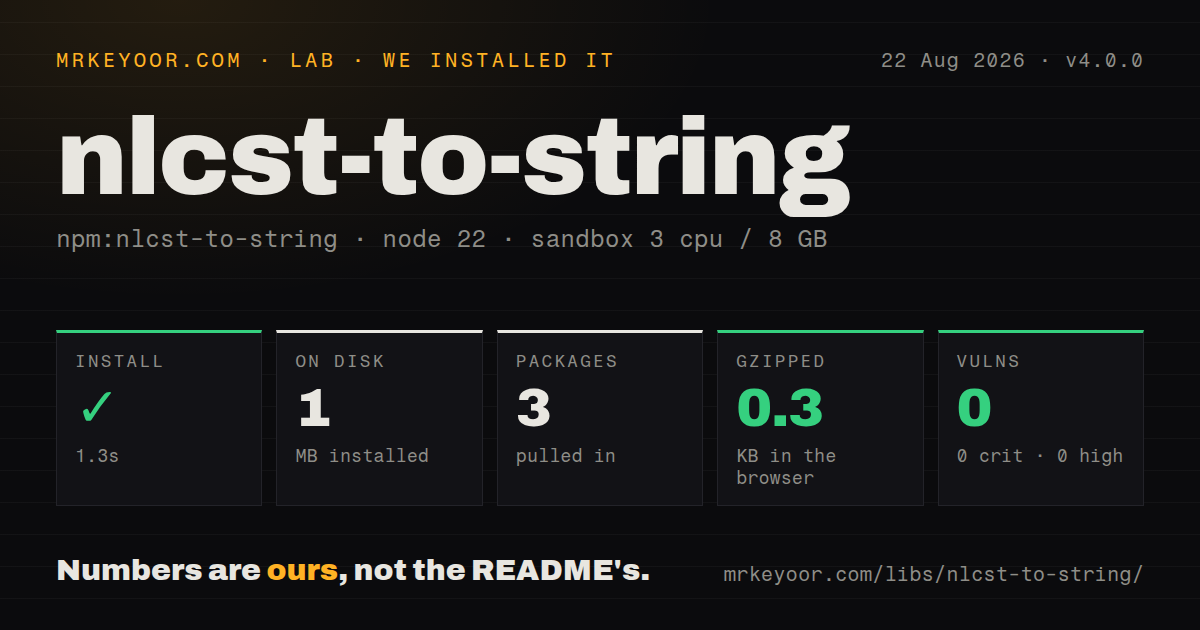
| Install | ✓ · 1.3s | 3 packages on disk · 1 MB |
| Import | ✓ | ESM import works · require() works · ESM package with exports map |
| Browser | 0.3 KB | gzipped (0.4 KB minified), bundled with esbuild |
| Types | ✓ | TypeScript types bundled |
| Known vulns | 0 | 0 critical · 0 high · 0 moderate · 0 low (npm audit) |
Answers from our run
Does nlcst-to-string install cleanly?
Yes. In a fresh container with an empty cache, npm install nlcst-to-string finished in 1 seconds, leaving 3 packages and 1 MB on disk. npm audit reported no known vulnerabilities.
How much does nlcst-to-string add to a browser bundle?
0.3 KB gzipped (0.4 KB minified) when the whole package is bundled for the browser with esbuild. Importing only part of it is usually smaller.
Does nlcst-to-string work with both ESM and CommonJS?
Yes. Both import 'nlcst-to-string' and require('nlcst-to-string') worked in Node 22 in our run. The package is published as ESM with an exports map.
Does nlcst-to-string include TypeScript types?
Yes, type declarations ship inside the package, so no @types install is needed.
nlcst-to-string or mdast-util-to-string: which should you use?
mdast-util-to-string: Choose it for Markdown mdast nodes and their format-specific text fields. nlcst-to-string 4.0.0 installed in 1.3 seconds, used 1 MB across 3 packages, and bundled to 0.3 KB gzipped with 0 audit findings in our sandbox.
When should you not use nlcst-to-string?
You need a parser. nlcst-to-string accepts an existing tree and performs no tokenization or language analysis.
Use it if
- A retext rule or nlcst transform needs the exact text represented by a subtree.
- The caller sometimes has one node and sometimes a contiguous array of sibling nodes.
- Whitespace and punctuation already live in the tree and should be concatenated exactly as stored.
- A small typed helper is preferable to repeating value-or-children recursion in each plugin.
- You need a parser. nlcst-to-string accepts an existing tree and performs no tokenization or language analysis.
- You expect spaces or punctuation to be inferred. Missing WhiteSpaceNode or PunctuationNode values stay missing because children are joined with an empty separator.
- You rely on the version 3 separator option. Version 4 removed it, so custom joining belongs in caller code.
- The tree is mdast or hast. Those formats have different text rules and dedicated utilities that understand their fields.
- Original source slices or round-trip output matter after transforms. Positions are ignored, and a node's own value hides any children it also carries.
Setup reality
We installed nlcst-to-string 4.0.0 in a fresh Node 22 Bookworm sandbox. npm completed in 1.3 seconds, left 3 packages, and used 1 MB. The package has 1 direct dependency, @types/nlcst, and 0 peer dependencies. It occupies 40 KB unpacked, bundles TypeScript declarations, and produced a 0.4 KB minified browser bundle, 0.3 KB gzipped. npm audit found 0 known vulnerabilities.
Version 4 declares ESM through type module and exposes one entry through an exports map. ESM import and require both worked in our Node 22 checks, though the README describes the package as ESM-only and documents a Node 16 floor. Use the named toString export; there is no default export. Older CommonJS runtimes and tools may not reproduce Node 22's require behavior, so import is the portable route described by the maintainer.
There is no credential, configuration file, native build, cache, or asynchronous path. The input tree is the configuration. A valued node returns that value immediately, even if children are present. A parent without value contributes its children in order and inserts nothing between them. An empty array returns an empty string. Invalid primitives, null, undefined, and objects without a node type are outside the documented Node or Node[] contract and can throw.
Version 4 removed the separator parameter, so callers that need spaces between selected nodes must include whitespace nodes or join separately. Source positions do not affect output. Once a transform deletes whitespace, normalizes punctuation, reorders children, or stores content in a format-specific field, toString cannot reconstruct the original source. The function is synchronous and tiny; performance concerns usually belong to the parser and tree walk that produced the subtree.
Patterns
Read one word subtree serialize-word
import { toString } from 'nlcst-to-string';

const word = {
  type: 'WordNode',
  children: [
    { type: 'TextNode', value: 'AT' },
    { type: 'SymbolNode', value: '&' },
    { type: 'TextNode', value: 'T' },
  ],
};

console.log(toString(word));
The 3 child values concatenate to AT&T; WordNode itself inserts no punctuation or separator.
Flatten adjacent sibling nodes serialize-siblings
const nodes = [
  { type: 'TextNode', value: 'hello' },
  { type: 'WhiteSpaceNode', value: ' ' },
  { type: 'TextNode', value: 'there' },
];

console.log(toString(nodes));
The output contains a space only because the 3-item array includes a WhiteSpaceNode with that value.
Keep stored punctuation and spacing serialize-sentence
const sentence = {
  type: 'SentenceNode',
  children: [
    { type: 'TextNode', value: 'Hello' },
    { type: 'PunctuationNode', value: ',' },
    { type: 'WhiteSpaceNode', value: ' ' },
    { type: 'TextNode', value: 'world' },
    { type: 'PunctuationNode', value: '!' },
  ],
};

toString(sentence);
The 5 child values produce Hello, world! exactly; the serializer does not infer either the comma or the space.
Extract text inside a retext rule inspect-rule-node
function checkWord(node, file) {
  const text = toString(node);
  if (text.toLowerCase() === 'utilize') {
    file.message('Prefer use', { ancestors: [node] });
  }
}
toString preserves the stored case and Unicode, so normalization belongs in the rule after extraction.
Detect a text-changing transform compare-transform
const before = toString(tree);
normalizeQuotes(tree);
const after = toString(tree);

if (before !== after) {
  console.log({ before, after });
}
Only value changes, child order, or child membership affect the result; editing position metadata alone does not.
See value win over children prefer-node-value
const node = {
  type: 'TextNode',
  value: 'kept',
  children: [{ type: 'TextNode', value: 'ignored' }],
};

console.log(toString(node));
A present value returns kept immediately, so the 1 child is never serialized.
Handle an empty node selection serialize-empty-array
const selected = [];
const text = toString(selected);
console.log(text === '');
An empty Node[] joins to an empty string; null and undefined are not documented node inputs.
Check unknown data before extraction guard-unknown-input
function textFromUnknown(value: unknown) {
  if (Array.isArray(value)) return toString(value);
  if (value && typeof value === 'object' && 'type' in value) {
    return toString(value);
  }
  return undefined;
}
The public contract accepts Node or Node[], so validate untrusted primitives and objects before calling the function.
Alternatives
| Package | Registry | Pick it when |
|---|---|---|
| mdast-util-to-string | npm | Choose it for Markdown mdast nodes and their format-specific text fields. |
| hast-util-to-text | npm | Choose it for HTML hast when rendered-text rules such as whitespace and element behavior matter. |
| unist-util-visit | npm | Choose it to inspect or collect selected nodes instead of flattening an entire subtree. |
More utils guides
lru-cache · type-fest · ajv · zod · p-limit · find-up · the whole shelf →
How this guide is made: grounded in the library's documentation, release notes, changelog, and issue history, on a fixed rubric — not a hands-on install of every release. The 50 most-downloaded entries are additionally install-verified in clean containers. Corrections: contact the desk.