helmet review
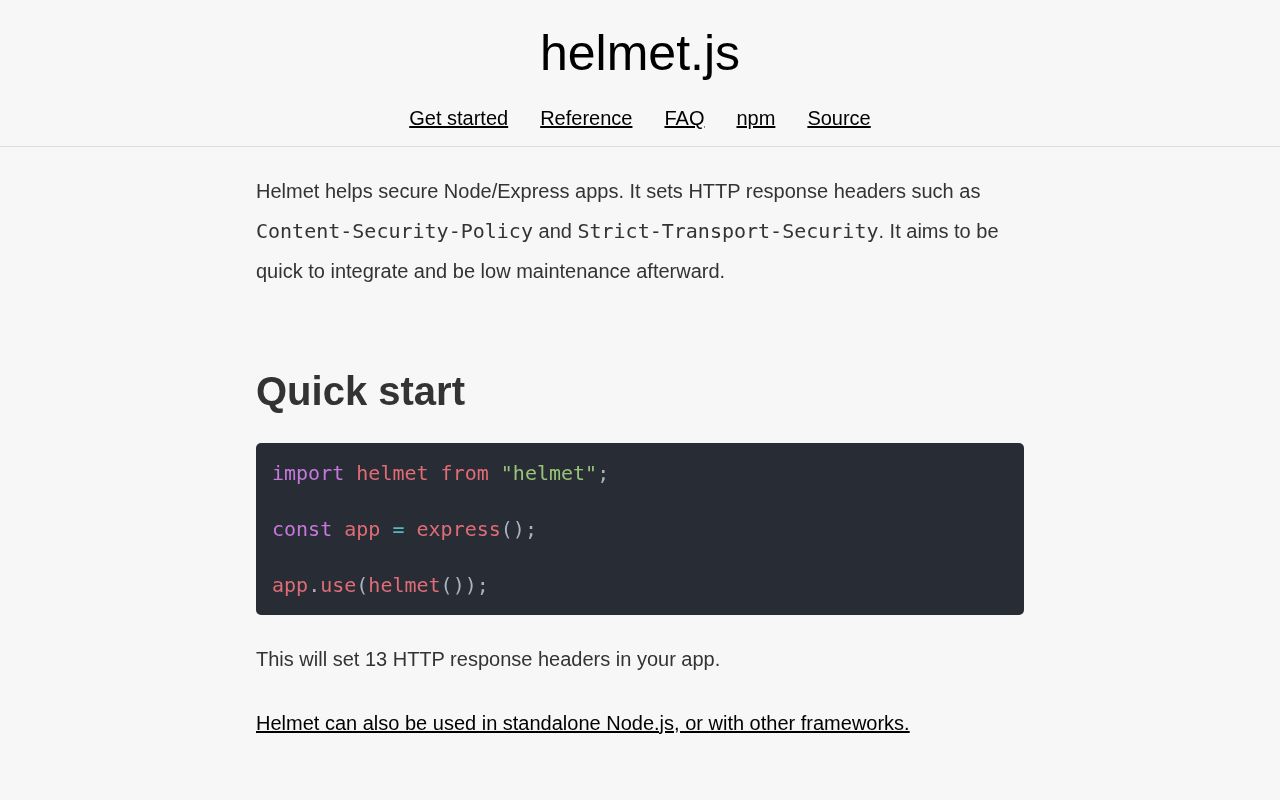
Helmet 8.3.0 is Express-compatible middleware that writes browser security headers, including Content-Security-Policy, Strict-Transport-Security, Referrer-Policy, frame restrictions, and cross-origin policies. Calling helmet() applies a documented default set; each header also has standalone middleware and focused options. The package does not validate request bodies, stop CSRF, authenticate users, or rate-limit clients. Version 8.3.0 changed CSP processing so static directives are prepared once and failures from request-time directive functions reach Express error handling. Our install contained no dependencies beyond Helmet itself.
Helmet 8.3.0 installed in 0.3 seconds as 1 package using 1 MB on our box, with 0 audit findings and 0 runtime dependencies. Install it for browser-facing Express apps only if you will test CSP sources and HSTS scope; it cannot replace input validation, CSRF defense, authentication, or abuse controls.
We installed it
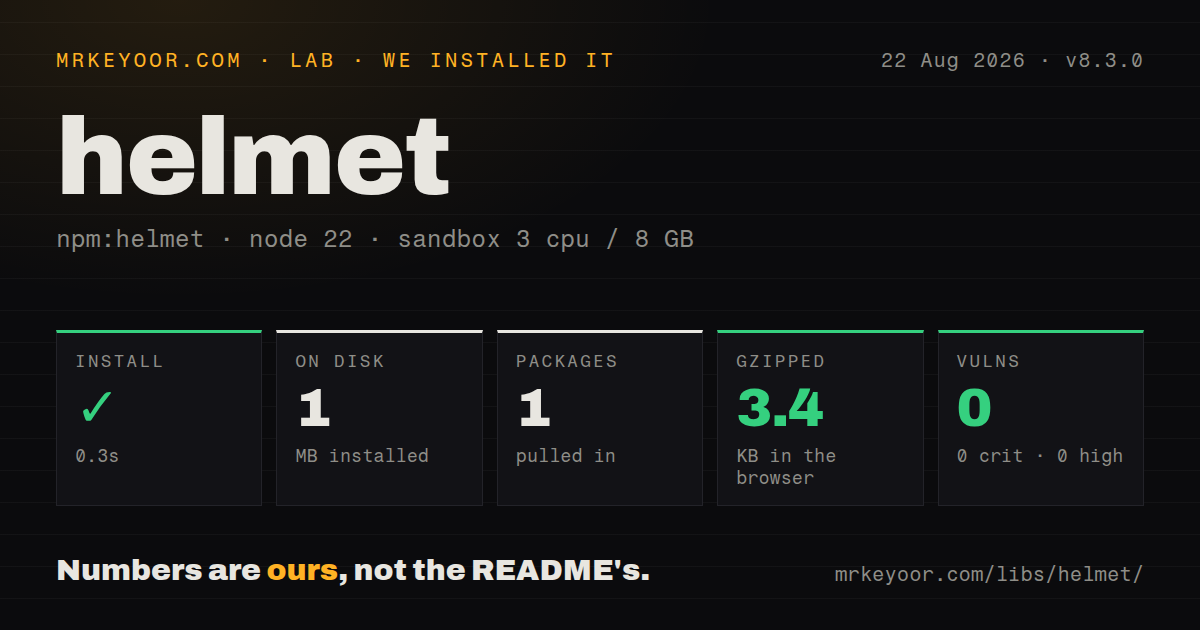
| Install | ✓ · 0.3s | 1 package on disk · 1 MB |
| Import | ✓ | ESM import works · require() works · CommonJS package with exports map |
| Browser | 3.4 KB | gzipped (11.7 KB minified), bundled with esbuild |
| Types | ✓ | TypeScript types bundled |
| Known vulns | 0 | 0 critical · 0 high · 0 moderate · 0 low (npm audit) |
Answers from our run
Does helmet install cleanly?
Yes. In a fresh container with an empty cache, npm install helmet finished in 0.3s, leaving 1 package and 1 MB on disk. npm audit reported no known vulnerabilities.
How much does helmet add to a browser bundle?
3.4 KB gzipped (11.7 KB minified) when the whole package is bundled for the browser with esbuild. Importing only part of it is usually smaller.
Does helmet work with both ESM and CommonJS?
Yes. Both import 'helmet' and require('helmet') worked in Node 22 in our run. The package is published as CommonJS with an exports map.
Does helmet include TypeScript types?
Yes, type declarations ship inside the package, so no @types install is needed.
helmet or @fastify/helmet: which should you use?
@fastify/helmet: Use it when Fastify encapsulation and per-route registration own the server lifecycle. Helmet 8.3.0 installed in 0.3 seconds as 1 package using 1 MB on our box, with 0 audit findings and 0 runtime dependencies.
When should you not use helmet?
The service is an internal JSON API with no browser consumer; most Helmet headers instruct browsers and do not secure server-to-server calls
Use it if
- An Express or Connect site sends HTML to browsers and needs reviewed CSP, HSTS, referrer, framing, and MIME-sniffing headers
- A CSP needs a per-response nonce generated before Helmet runs
- Separate routers require different security-header policies through individual middleware functions
- The security layer must add 0 transitive dependencies and include TypeScript declarations
- The service is an internal JSON API with no browser consumer; most Helmet headers instruct browsers and do not secure server-to-server calls
- The server uses Fastify or Koa; @fastify/helmet and koa-helmet match those middleware systems
- A CDN or reverse proxy already owns the same headers; browsers enforce multiple CSP policies together and the stricter combined result can break the page
- The team cannot inventory inline scripts, analytics, image hosts, and API origins; the default CSP will expose those omissions immediately
- Every subdomain is not HTTPS-ready; the default HSTS policy includes subdomains for 31536000 seconds and browsers cache that decision
Setup reality
We installed Helmet 8.3.0 in our clean Node 22 container in 0.3 seconds. It left 1 package and 1 MB on disk, with 0 known vulnerabilities from npm audit. Helmet has 0 direct dependencies, 0 peer dependencies, a 128 KB unpacked package, bundled TypeScript declarations, and an MIT license. Node 18 is the declared minimum. This is one of the rare security additions whose dependency tree is exactly the package you requested.
Mount Helmet before routes or static middleware that can finish a response. A default CSP allows same-origin resources and blocks many inline or remote resources, so an established frontend will usually need source lists. Begin with reportOnly, receive violation reports on a bounded endpoint, then enforce the policy you can explain. Helmet catches malformed directive names and unquoted CSP keywords, but the README says policy validation is limited; a CSP evaluator and real browser tests still belong in review.
Development requires an explicit exception. The default upgrade-insecure-requests directive can turn http://localhost into HTTPS, and the documentation specifically notes Safari. Disable that directive and HSTS outside production. Before enabling includeSubDomains in production, verify TLS for every affected host. HSTS survives deployments in each visitor's browser, so removing the middleware does not immediately undo a policy that was already cached.
Helmet is CommonJS with an exports map; require() and ESM import both worked on our box. The namespace browser build measured 11.7 KB minified and 3.4 KB gzipped, although this middleware belongs on the server. Cross-Origin-Embedder-Policy stays off by default because require-corp can block third-party assets. Helmet 8.3.0 sends a throwing dynamic CSP function to next(error), but that function still runs per request. Keep nonce generation local and quick, then inspect the final public response after Nginx or a CDN.
Patterns
Set defaults before routes apply-defaults
import express from 'express';
import helmet from 'helmet';
const app = express();
app.use(helmet());
app.use(express.static('public'));
Express follows registration order; a handler mounted first can send a response with 0 Helmet headers.
Allow known CSP origins configure-csp
app.use(helmet({ contentSecurityPolicy: { directives: {
  scriptSrc: ["'self'", 'https://cdn.example.com'],
  imgSrc: ["'self'", 'data:', 'https://images.example.com']
} } }));
Helmet 8 requires inner quotes around CSP keywords such as 'self', and rejects malformed keyword values.
Create one nonce per response add-csp-nonce
import crypto from 'node:crypto';
app.use((req, res, next) => { res.locals.nonce = crypto.randomBytes(32).toString('base64url'); next(); });
app.use(helmet({ contentSecurityPolicy: { directives: { scriptSrc: ["'self'", (req, res) => `'nonce-${res.locals.nonce}'`] } } }));
Generate 1 unpredictable nonce for each response and place that same value on its permitted script tag.
Collect CSP reports before enforcing report-csp
app.use(helmet({ contentSecurityPolicy: { reportOnly: true, directives: { reportUri: ['/csp-reports'] } } }));
app.post('/csp-reports', express.json({ type: 'application/csp-report', limit: '16kb' }), (req, res) => res.sendStatus(204));
Report-only sends violations without blocking resources; the report endpoint still receives untrusted input and needs a size cap.
Keep local HTTP usable relax-development
const prod = process.env.NODE_ENV === 'production';
app.use(helmet({
  strictTransportSecurity: prod,
  contentSecurityPolicy: { directives: { upgradeInsecureRequests: prod ? [] : null } }
}));
An empty array enables the valueless directive, while null removes it for development.
Declare HSTS scope explicitly set-hsts
app.use(helmet({ strictTransportSecurity: {
  maxAge: 31536000, includeSubDomains: true, preload: false
} }));
31536000 seconds covers 1 year; includeSubDomains affects every descendant host that a browser visits.
Disable one conflicting policy disable-header
app.use(helmet({
  crossOriginResourcePolicy: false,
  xDownloadOptions: false
}));
Disable only the header you have reviewed; contentSecurityPolicy: false removes the browser's injection containment policy.
Apply selected middleware to one router standalone-header
app.use('/downloads',
  helmet.noSniff(),
  helmet.referrerPolicy({ policy: 'same-origin' }),
  downloadsRouter
);
Standalone calls fit routes where a proxy owns the remaining headers; verify the public response for duplicates.
Allow one framing origin with CSP allow-framing
app.use('/embed', helmet.contentSecurityPolicy({ directives: {
  defaultSrc: ["'self'"], frameAncestors: ["'self'", 'https://partner.example']
} }));
app.use('/embed', (req, res, next) => { res.removeHeader('X-Frame-Options'); next(); });
X-Frame-Options cannot name an arbitrary partner, so SAMEORIGIN must not remain beside this frame-ancestors rule.
Opt into cross-origin isolation enable-coep
app.use(helmet({
  crossOriginEmbedderPolicy: { policy: 'require-corp' },
  crossOriginOpenerPolicy: { policy: 'same-origin' }
}));
COEP is off by default because require-corp can block external images, fonts, scripts, frames, and workers.
Replace every default CSP directive replace-csp
app.use(helmet({ contentSecurityPolicy: { useDefaults: false, directives: {
  defaultSrc: ["'none'"], scriptSrc: ["'self'"], styleSrc: ["'self'"], frameAncestors: ["'none'"]
} } }));
Helmet 8.3.0 rejects useDefaults: false with 0 directives, so a replacement must be complete enough for the site.
Check the deployed header set inspect-headers
curl -sSI https://app.example.com | grep -iE 'content-security|strict-transport|x-frame|referrer|cross-origin'Inspect the public hostname because a CDN or reverse proxy may alter the values written by Express.
Alternatives
| Package | Registry | Pick it when |
|---|---|---|
| @fastify/helmet | npm | Use it when Fastify encapsulation and per-route registration own the server lifecycle |
| koa-helmet | npm | Use it for Koa context middleware with the same family of response headers |
| hpp | npm | Use it to address HTTP parameter pollution, a request-parsing problem Helmet does not cover |
| express-rate-limit | npm | Use it to cap Express request rates; pair it with headers only when both controls are needed |
More security guides
cryptography · jose · pyjwt · dompurify · jsonwebtoken · requests-oauthlib · the whole shelf →
How this guide is made: grounded in the library's documentation, release notes, changelog, and issue history, on a fixed rubric — not a hands-on install of every release. The 50 most-downloaded entries are additionally install-verified in clean containers. Corrections: contact the desk.