fakeredis review
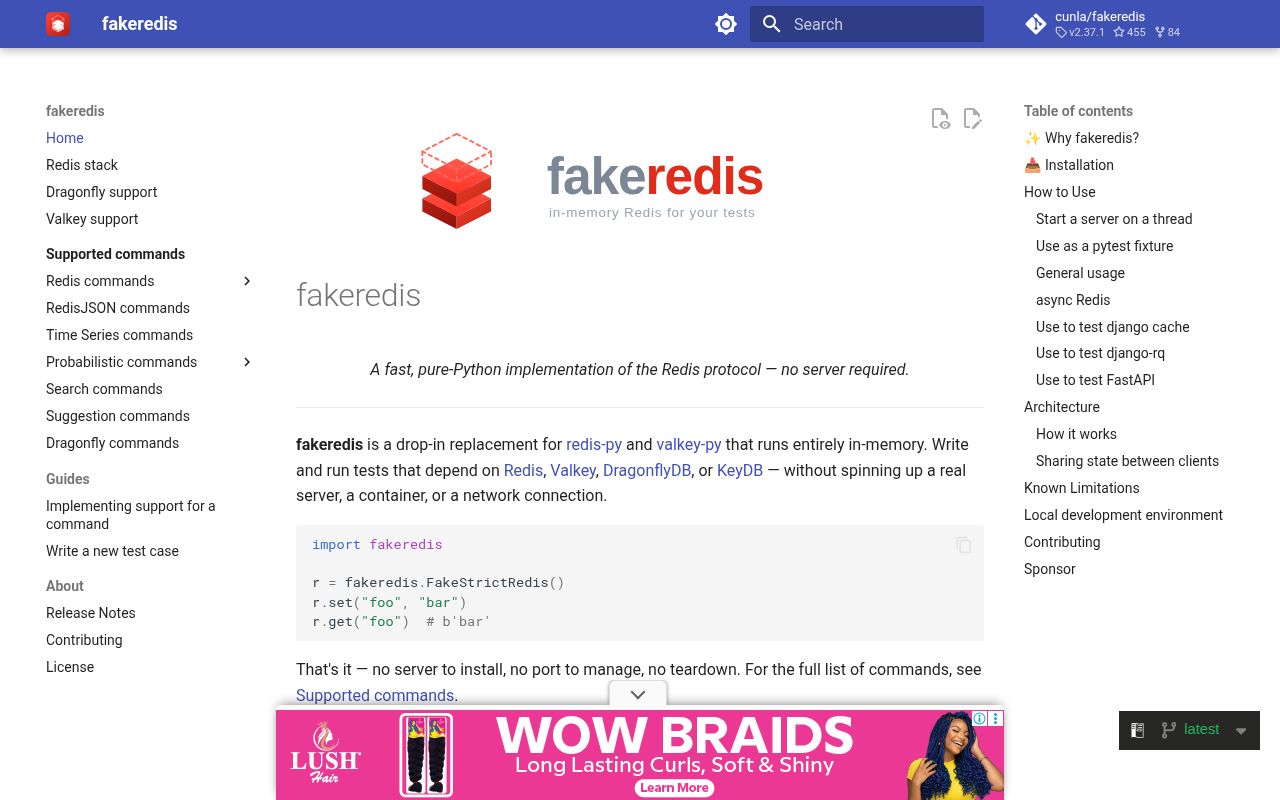
fakeredis 2.37.1 is a Python test double for the redis-py and valkey-py APIs. `FakeRedis` keeps data in the test process, `FakeAsyncRedis` covers asyncio callers, and multiple clients can share one `FakeServer`. It can mimic selected Redis, Valkey, Dragonfly, or KeyDB behavior, with install extras for Lua, JSON, probabilistic structures, and vector sets. The current release corrects WATCH behavior after LTRIM, sorted-set pop responses, stream-group errors, and `VSIM` filtering. It still cannot prove that production Redis networking, persistence, timing, or failover works.
fakeredis 2.37.1 installed in 0.2 seconds, used 4 MB, imported in 1.17 seconds, and produced 0 pip-audit findings in our sandbox. It is a good unit-test substitute for injected redis-py clients, but it should sit beside real-server tests for timing, persistence, blocking order, and exact command parity.
We installed it
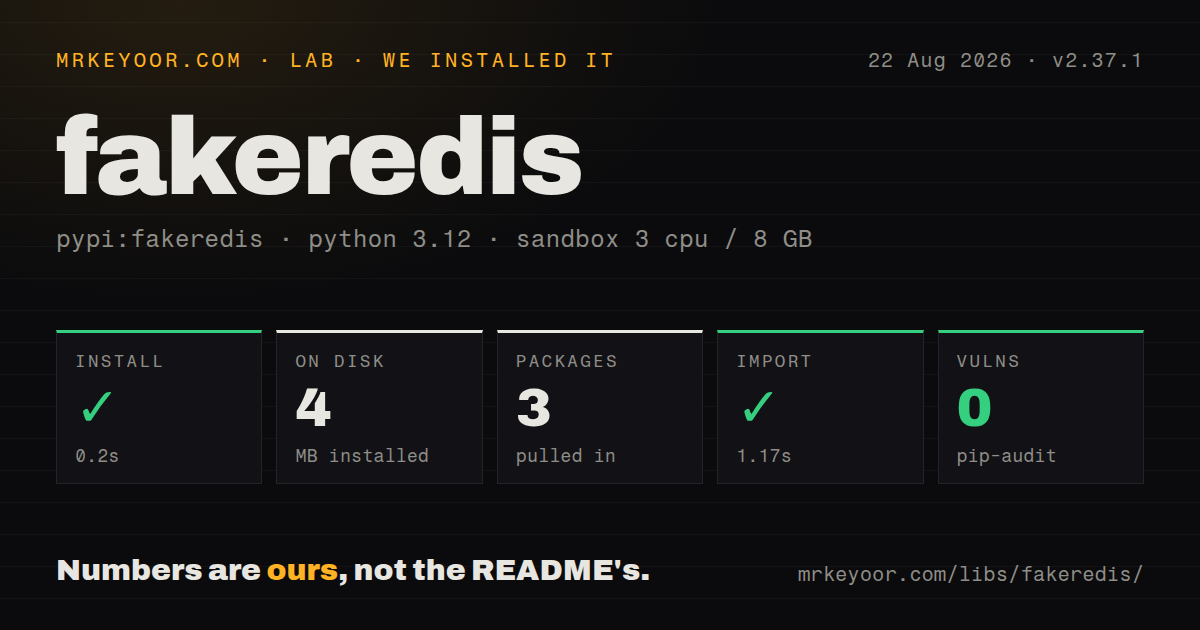
| Install | ✓ · 0.2s | 3 packages on disk · 4 MB |
| Import | ✓ | import fakeredis in 1.17s · pure Python · py.typed · requires Python >=3.8 |
| Known vulns | 0 | (pip-audit) |
Answers from our run
Does fakeredis install cleanly?
Yes. In a fresh container with an empty cache, pip install fakeredis finished in 0.2s, leaving 3 packages and 4 MB on disk. pip-audit reported no known vulnerabilities.
What does fakeredis need to run?
Python >=3.8, and nothing compiled: it is pure Python. In our run import fakeredis succeeded in 1.17s, and the package ships py.typed for type checkers.
fakeredis or pytest-redis: which should you use?
pytest-redis: Use it when pytest should provision a real Redis process and server semantics matter more than unit-test isolation. fakeredis 2.37.1 installed in 0.2 seconds, used 4 MB, imported in 1.17 seconds, and produced 0 pip-audit findings in our sandbox.
When should you not use fakeredis?
The test is meant to cover replication, cluster routing, persistence, eviction, memory limits, failover, or real network timing. A Python process does not reproduce those server systems.
Use it if
- Application code accepts a redis-py compatible client, so a unit test can inject an in-memory replacement.
- Each test needs disposable cache, queue, stream, lock, or pub/sub state without starting a service.
- The same suite exercises synchronous and asyncio call paths against familiar Redis method names.
- A failure branch should see `ConnectionError` on demand without waiting for a socket timeout.
- The test is meant to cover replication, cluster routing, persistence, eviction, memory limits, failover, or real network timing. A Python process does not reproduce those server systems.
- Correctness depends on the order in which blocked clients wake. The fakeredis documentation says its order can differ from Redis.
- Your code exchanges `DUMP` or `RESTORE` payloads with a real server. fakeredis uses Python pickle rather than Redis RDB encoding, and untrusted pickle data is unsafe.
- Exact HyperLogLog storage or floating-point increment behavior matters. The documented implementation uses a set for HyperLogLog and Python floats for increment calculations.
- A passing fake-backed suite would become your only Redis test. Version 2.37.1 itself fixes several reply and error mismatches, so parity needs a smaller suite against the production server.
Setup reality
We installed fakeredis 2.37.1 in 0.2 seconds in a clean Python 3.12 container. The environment ended with 3 packages using 4 MB. Its metadata lists 11 direct dependencies and Python 3.8 or newer. The distribution is pure Python, includes py.typed, and uses a BSD license. pip-audit found 0 known vulnerabilities. import fakeredis worked in 1.17 seconds.
The ordinary install covers common Redis commands. Lua needs fakeredis[lua], JSON needs fakeredis[json], and probabilistic commands require the matching extra. Shells such as zsh need quotes around brackets. A new FakeRedis() creates isolated server state. To model two connections seeing the same keys, construct one FakeServer and pass it to both clients. Set decode_responses=True when production redis-py returns strings instead of bytes.
Direct clients need no host, password, port, or config file. TcpFakeServer is available for code that insists on opening a socket, but the test must shut down the server, close its socket, and join its thread. Dependency injection is easier to clean up. Async fixtures should call aclose() so pub/sub subscriptions or blocking operations do not cross a test boundary.
Server family and version can change command behavior, so set server_type and version when that distinction matters. Release 2.37.1 changed transaction invalidation after LTRIM, ZPOPMIN and ZPOPMAX response shapes, XPENDING errors, and VSIM filtering. Those fixes are useful and also show the limit of any fake. Run integration tests against the exact Redis or Valkey line used in deployment for protocol, concurrency, persistence, and failure behavior.
Patterns
Create an isolated fake client store-and-read
import fakeredis

client = fakeredis.FakeRedis()
client.set('session:42', 'active', ex=300)
assert client.get('session:42') == b'active'
Replies are bytes by default, and this client owns server state that no separately created client can see.
Return strings instead of bytes decode-text
import fakeredis

client = fakeredis.FakeRedis(decode_responses=True)
client.hset('user:42', mapping={'name': 'Mira'})
assert client.hget('user:42', 'name') == 'Mira'
Set `decode_responses` the same way in fake and production client construction so assertions test the same types.
Start every test with empty state pytest-fixture
import fakeredis
import pytest

@pytest.fixture
def redis_client():
    client = fakeredis.FakeRedis()
    yield client
    client.close()
Creating the client inside the fixture prevents keys from one test appearing in the next test.
Give two clients one fake server share-state
import fakeredis

server = fakeredis.FakeServer()
producer = fakeredis.FakeRedis(server=server)
worker = fakeredis.FakeRedis(server=server)

producer.rpush('jobs', 'job-1')
assert worker.lpop('jobs') == b'job-1'
Both clients must receive the same `FakeServer`; two default constructors create two separate databases.
Exercise an asyncio call path test-async-client
import fakeredis

async def test_cache():
    client = fakeredis.FakeAsyncRedis()
    try:
        await client.set('answer', '42')
        assert await client.get('answer') == b'42'
    finally:
        await client.aclose()
`aclose()` releases the async connection and keeps pending work from leaking across tests.
Make the fake reject commands simulate-disconnect
import fakeredis
from redis.exceptions import ConnectionError

server = fakeredis.FakeServer()
client = fakeredis.FakeRedis(server=server)
server.connected = False

try:
    client.ping()
except ConnectionError:
    failed = True

assert failed
This reaches application error handling immediately; it does not reproduce latency, packet loss, or partial writes.
Run a watched transaction test-transaction
import fakeredis

client = fakeredis.FakeRedis()
client.set('stock', 3)

with client.pipeline() as pipe:
    pipe.watch('stock')
    remaining = int(pipe.get('stock'))
    pipe.multi()
    pipe.set('stock', remaining - 1)
    pipe.execute()
Version 2.37.1 fixes WATCH invalidation after `LTRIM`; use a real server for transaction races between processes.
Publish through shared fake state test-pubsub
import fakeredis

server = fakeredis.FakeServer()
publisher = fakeredis.FakeRedis(server=server)
listener = fakeredis.FakeRedis(server=server).pubsub()
listener.subscribe('alerts')
listener.get_message()

publisher.publish('alerts', 'disk-low')
message = listener.get_message(timeout=1)
assert message['data'] == b'disk-low'
Read the subscription acknowledgement before asserting on the application message.
Register a Lua script run-lua
import fakeredis

client = fakeredis.FakeRedis()
script = client.register_script("return redis.call('INCR', KEYS[1])")
assert script(keys=['counter']) == 1
This requires the `fakeredis[lua]` extra; the base installation does not include the Lua runtime.
Choose an emulated server family pin-server-type
import fakeredis

redis_client = fakeredis.FakeRedis(server_type='redis', version=8)
valkey_client = fakeredis.FakeRedis(server_type='valkey')

assert redis_client.ping()
assert valkey_client.ping()
An explicit family and version keep command differences visible when fakeredis changes its defaults.
Open a local fake Redis socket serve-over-tcp
from threading import Thread
import redis
from fakeredis import TcpFakeServer

server = TcpFakeServer(('127.0.0.1', 0), server_type='redis')
thread = Thread(target=server.serve_forever, daemon=True)
thread.start()
client = redis.Redis(host=server.server_address[0], port=server.server_address[1])
assert client.ping()

server.shutdown()
server.server_close()
thread.join()
TCP mode is for code that cannot accept an injected client; always close the socket and join its thread.
Test application expiry logic check-ttl
import fakeredis

client = fakeredis.FakeRedis()
client.set('reset-token', 'abc', ex=60)
assert 0 < client.ttl('reset-token') <= 60
client.delete('reset-token')
assert client.get('reset-token') is None
This checks Redis command use in the application, not production eviction or memory-pressure behavior.
Alternatives
| Package | Registry | Pick it when |
|---|---|---|
| pytest-redis | PyPI | Use it when pytest should provision a real Redis process and server semantics matter more than unit-test isolation. |
| redislite | PyPI | Use it when tests can launch an embedded Redis executable instead of reimplementing commands in Python. |
| birdisle | PyPI | Use it for a small in-memory Redis test server when its narrower command set covers the application. |
More testing guides
pytest · chai · vitest · playwright · jsdom · axe-core · the whole shelf →
How this guide is made: grounded in the library's documentation, release notes, changelog, and issue history, on a fixed rubric — not a hands-on install of every release. The 50 most-downloaded entries are additionally install-verified in clean containers. Corrections: contact the desk.