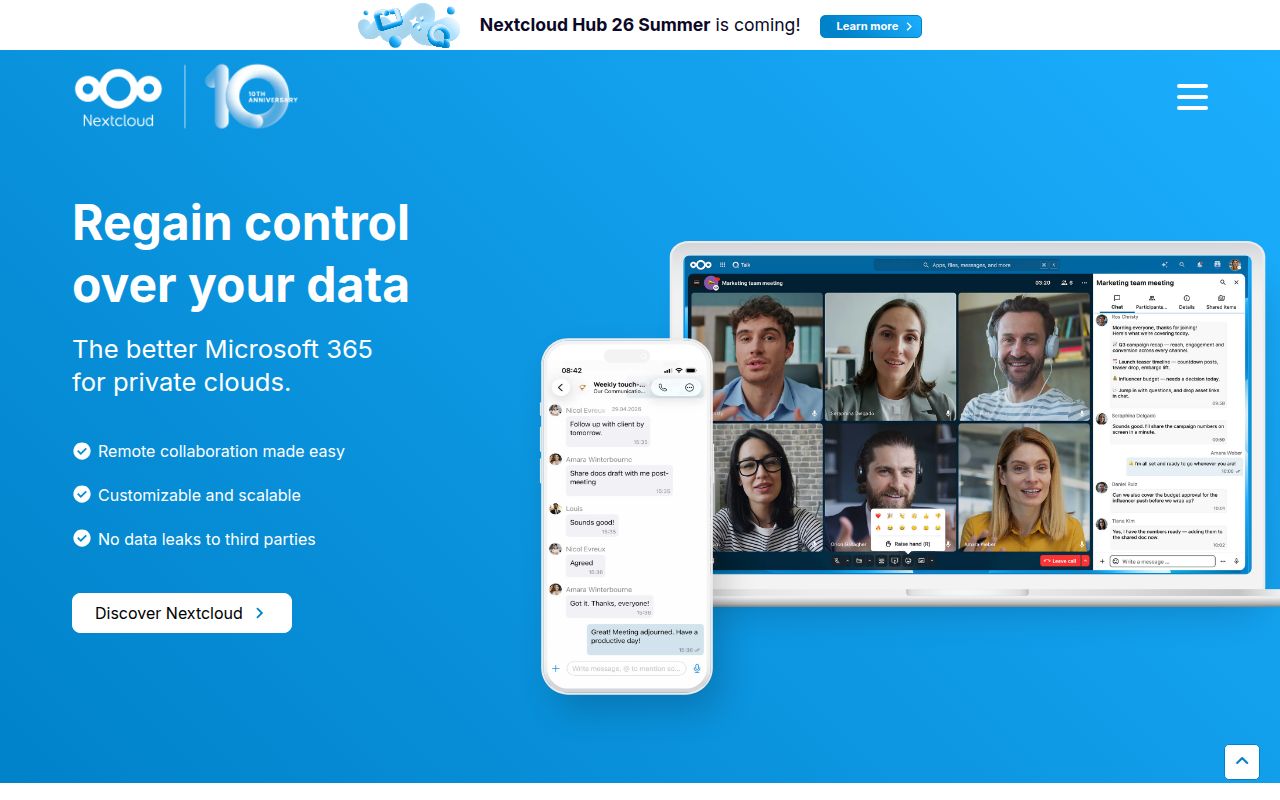
Nextcloud is a collaboration suite, not merely a synced folder
Nextcloud Server stores and shares files, but stopping there undersells the operational decision. The core also covers contacts, calendars, account management, sharing, and the platform used by optional apps. Calendar, Contacts, Mail, and video chat live as separate apps, while the app store supplies many more. This makes Nextcloud a plausible replacement for several hosted workplace services, provided you want one administrative boundary around them. It also means every added app becomes another item to assess, update, and support.
The scale is visible before the server starts. Our clone at commit a0bf541 contained 17,740 files, about 1,884,196 lines of source, and occupied 221.6 MB. That is a mature application platform, not a weekend PHP project. A household can run it, but the repository shape better resembles software an operations team owns: 57 CI workflow files, four named testing frameworks, submodules, multiple stable branches, and release-only app packaging.
Source checkouts are for development, not production
The README draws a useful line that self-hosting guides sometimes blur. A source checkout can follow a stable branch, yet the project says Git checkouts should never be used on production systems. Several apps included in normal releases, including the first-run wizard and activity app, are missing from master and need separate clones. Contributors must initialize third-party submodules too. Those details make the default branch a development workspace rather than the simplest way to obtain the service users expect.
For deployment, Nextcloud directs readers toward official installation instructions, ready-to-use appliances, hosted providers, or preinstalled devices. That is sensible for a project with a 1,184 MB JavaScript dependency footprint in our test alone. A real server adds PHP, a database, a web server, persistent storage, TLS, background jobs, backups, monitoring, and upgrades. The repository does not include a Dockerfile, so this checkout is not offering one blessed container as the answer to all of that.
The distinction matters during evaluation. A successful front-end build tells you the source and its JavaScript toolchain agree. It does not prove your database sizing, storage latency, proxy limits, file locking, mail delivery, or disaster recovery. Nextcloud can consolidate user-facing tools, but the operator inherits the boring work that hosted suites hide. For a small team without an owner for that work, a managed Nextcloud provider preserves the product choice without pretending the server maintains itself.
What happened when we ran it
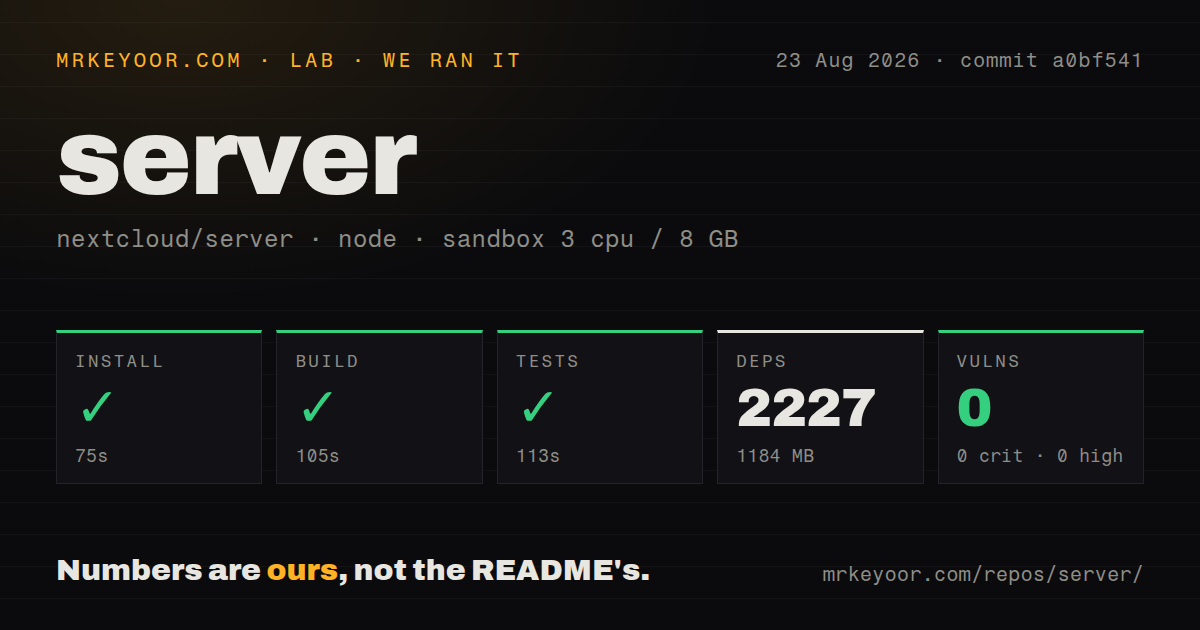
Our sandbox install succeeded in 75 seconds and pulled 2,227 packages, leaving 1,184 MB on disk. The build then completed in 105 seconds. This was a fresh unprivileged Debian container with 3 CPUs, 8 GB of RAM, Node 22, and no secrets, using commit a0bf541. The clean result is meaningful because the checkout was large, but it covers the repository commands we ran rather than a configured multi-user production deployment.
The test command also succeeded, finishing in 113 seconds. npm audit reported 0 known vulnerabilities across the installed JavaScript packages. The repository had a tests directory and 57 CI workflow files, which matches the README's account of separate PHPUnit, Behat, Vitest, and Playwright test layers. Our lab block did not provide individual case counts, so a passing command is the limit of what this run establishes.
No Dockerfile appeared in the checkout. That absence is not a test failure, since the project offers other installation routes, but it changes the setup conversation. The measured install and build were green; a deployable Nextcloud instance still requires the services and configuration outside those commands. Buyers should judge those two jobs separately.
The app catalog is useful only with restraint
Nextcloud's appeal comes from keeping files, groupware, and collaboration under one account system. The app model lets an administrator add only what a group needs, and the AGPL license allows inspection and modification of the server. For organizations with privacy, residency, or integration requirements, control over the host and storage can justify the maintenance burden. The same extension model can also widen the upgrade surface, so an app should earn its place through a named user need.
The license deserves an early legal check, especially for companies modifying the service. AGPL-3.0-or-later is intentionally different from a permissive library license. That is not a defect, but it can disqualify the project for teams whose distribution or network-service policies reject copyleft terms. Read the obligations before building proprietary changes around the server, not after the integration reaches production.
Current work shows maintenance and a very large queue
GitHub recorded a push on 2026-08-26, and the latest listed server release was v34.0.3 from 2026-08-13. Recent activity included fixes and backports across sharing, contacts, configuration, databases, and dependencies. The repository showed 3,651 open issues and PRs, a combined GitHub count rather than a bug total. That queue would be alarming on a small utility; here it also reflects the breadth and release branches of a large public server.
Nextcloud is the right choice when the desired outcome is a privately operated collaboration platform and someone is accountable for it. It is excessive for simple folder replication, where Syncthing removes the central application stack. It is also a poor fit for teams that equate self-hosting with avoiding recurring work. Our run gives the codebase a credible green baseline, while the README itself makes clear that production begins beyond the checkout.