React 16.8 through 19 gets one typed form API
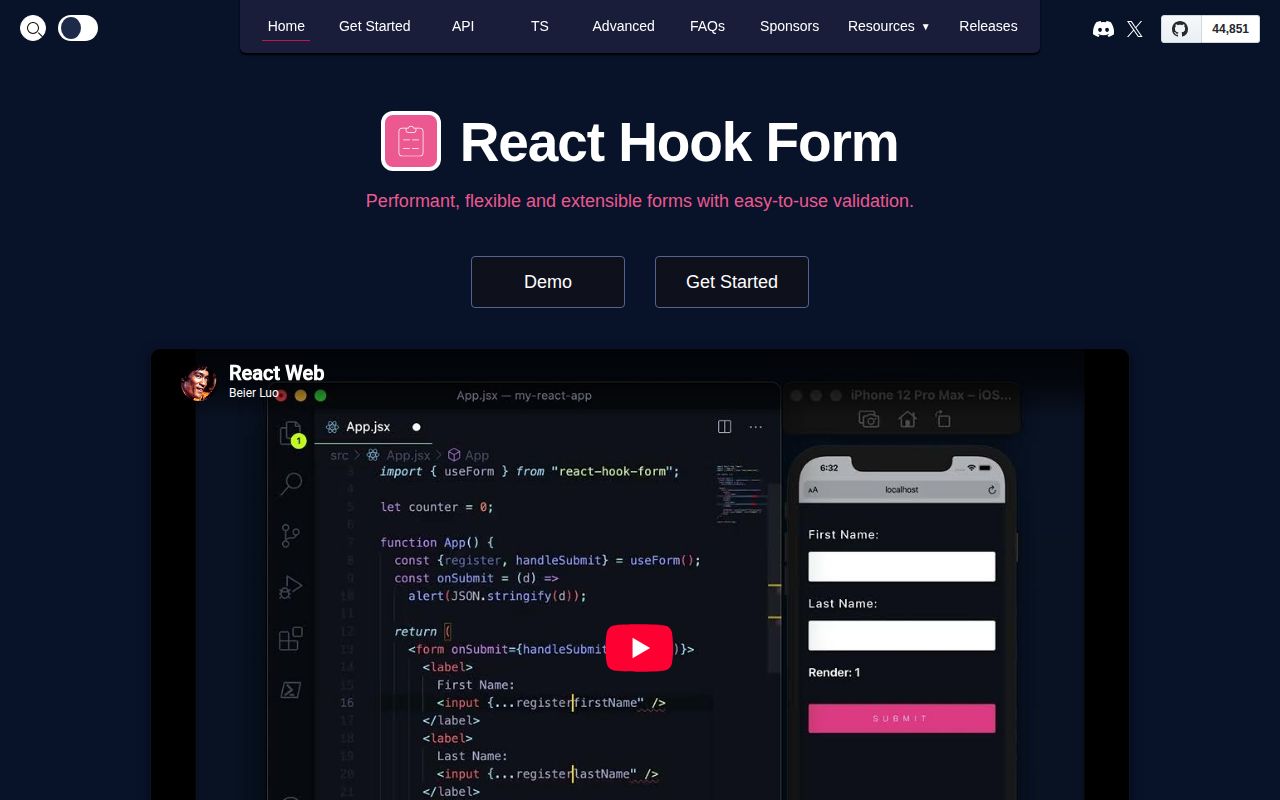
React Hook Form is a state and validation layer for React forms. Version 7.87.0 registers native inputs by name, reads their values for submission, and exposes errors plus form state through hooks. The package manifest accepts React 16.8 through 19, and the project is written in TypeScript. For a conventional form, the surface stays small: call useForm, spread register onto inputs, pass the submit function through handleSubmit, and render messages from formState.errors.
The design favors native HTML inputs and uncontrolled values. That choice reduces the need to push every keystroke through component state, while subscriptions let a component observe only the form state it uses. Built-in rules mirror familiar browser concepts such as required fields, length limits, patterns, and numeric bounds. Teams can opt into native constraint validation. Schema users connect a separate resolver for Zod, Yup, Ajv, or another supported validator, so validation policy remains outside the core package.
Controlled widgets require the Controller adapter
The version 7 Controller component is the documented bridge for MUI, React-Select, Ant Design, React Native inputs, and other controlled widgets. Its render function supplies value, change, blur, name, and ref properties. That is workable, and the docs show what must be connected. It is still more code than registering a native input. A design system full of date pickers, comboboxes, and custom editors should build and test shared adapters before judging the library by its short README example.
Default values need discipline. The useForm docs say they are cached, warn against undefined, and require a stable server-errors object to avoid repeated renders. Controller also rejects undefined as a cleared value and needs an input ref if error focus should work. File inputs remain application-managed. These details are documented well, but they explain many integration complaints: React Hook Form can track dirty and touched state only when the application supplies consistent initial values and forwards the expected events.
What happened when we ran it
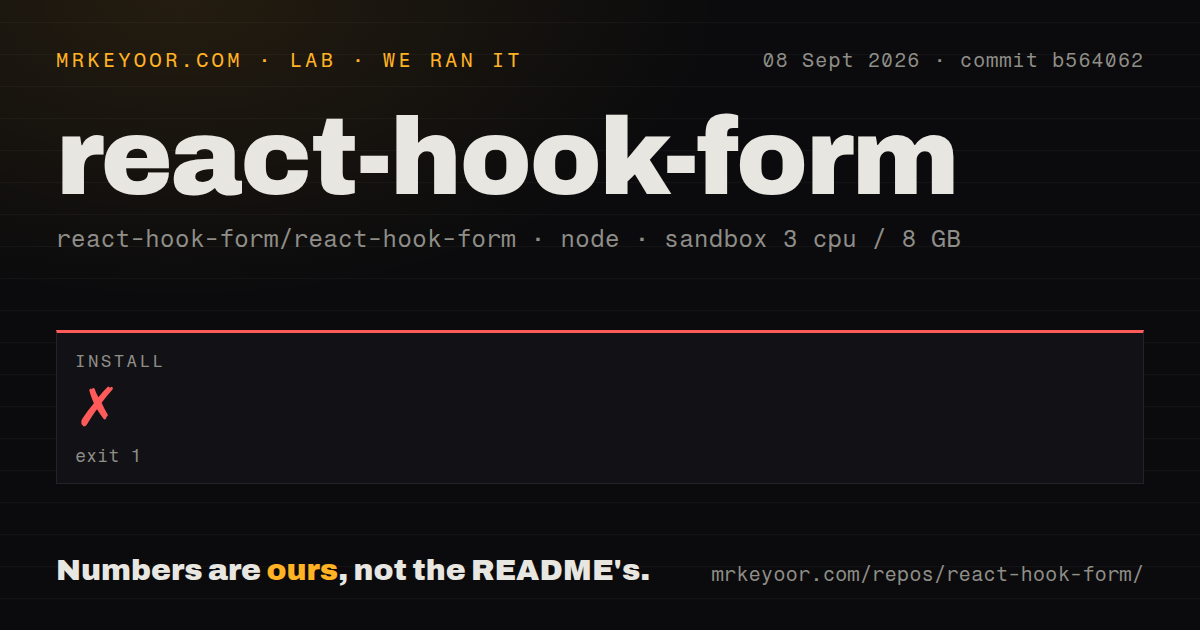
Our sandbox install failed after 14 seconds with exit code 1. Corepack attempted to launch pnpm 12.3.4, then Node reported that /work/home/.corepack/v1/pnpm/12.3.4/bin/pnpm.cjs could not be found. The final line identified Node.js v18.20.8, while the configured image was named lab-node:22. The log gives no reason for that mismatch, so we cannot attribute the failure to the repository, the image, or Corepack with confidence.
No build or test result followed the failed install. We cloned commit b564062 into an unprivileged container with 3 CPUs, 8 GB of RAM, and no secrets. The checkout measured 5.7 MB, 495 files, and roughly 80,186 source lines. Our structural scan found 6 CI workflow files, a pnpm workspace setup, no Dockerfile, and no top-level tests directory. The manifest does define Jest, Playwright, type-check, lint, build, and prepublish commands, but our run never reached them.
Dynamic field-array names are unsupported
The useFieldArray docs state plainly that dynamic array names are unsupported. Each rendered row must use the generated field identifier as its React key. The update method unmounts and remounts the changed row, while setValue is the advised route when that behavior is unwanted. Appended, prepended, inserted, and updated objects must also be complete rather than partial. These constraints are reasonable for predictable subscriptions, yet they can fight schema-driven form builders whose nesting and row types change at runtime.
Controlled arrays need another caution. Controller's shouldUnregister option should be avoided with useFieldArray because reordering causes unmount and remount cycles. The field-array identifier can overwrite an existing id property unless a different key name is chosen, and the docs say that customization is due for removal in the next major version. A production form should therefore separate database identifiers from render keys and cover add, remove, reorder, reset, and validation flows with browser tests.
Version 7.87 fixes several React-era edge cases
Release 7.87.0 shipped on August 30, 2026. It added a shouldTouch option to manual validation and an opt-in type registry for values such as Dayjs or Decimal that TypeScript might otherwise inspect recursively. Its fixes cover controlled fields under null parents, React server package resolution, hidden Activity subtrees, validity recalculation, and array defaults in watch output. This is focused maintenance around current React and TypeScript behavior, not a frozen API receiving only security patches.
One compatibility question remains open. Issue 12298 tracks React Compiler behavior, carries React 19 and V8 labels, and had 42 comments when fetched. It was updated on September 3, 2026. The reporter says compiler-enabled tests expose mutations that conflict with React's rules for hook return values. That discussion does not prove every compiled application breaks. It does justify running compiler-enabled form tests before rollout instead of assuming ordinary v7 coverage settles the question.
Seven v7 releases in eight weeks show active maintenance
GitHub listed 44,851 stars and 8 combined issues and pull requests, with the last push on September 9, 2026. Seven stable v7 releases appeared between July 5 and August 30, alongside a v8 beta in July. The open queue included recent pull-request activity and the older compiler discussion. That mix suggests maintainers are shipping fixes frequently while keeping the public queue small. The combined GitHub count is not a count of confirmed bugs.
React Hook Form is the default comparison for a reason: its native-input path is concise, the TypeScript API knows field names, and the docs name the awkward cases. TanStack Form is the stronger comparison for multi-framework work. Formik may suit teams committed to explicit controlled state, while React Final Form offers a different subscription model. For React-only applications, the deciding prototype should use your hardest controlled widget and field array, not the easy text inputs from the five-line setup.