Payload makes the CMS part of a Next.js application
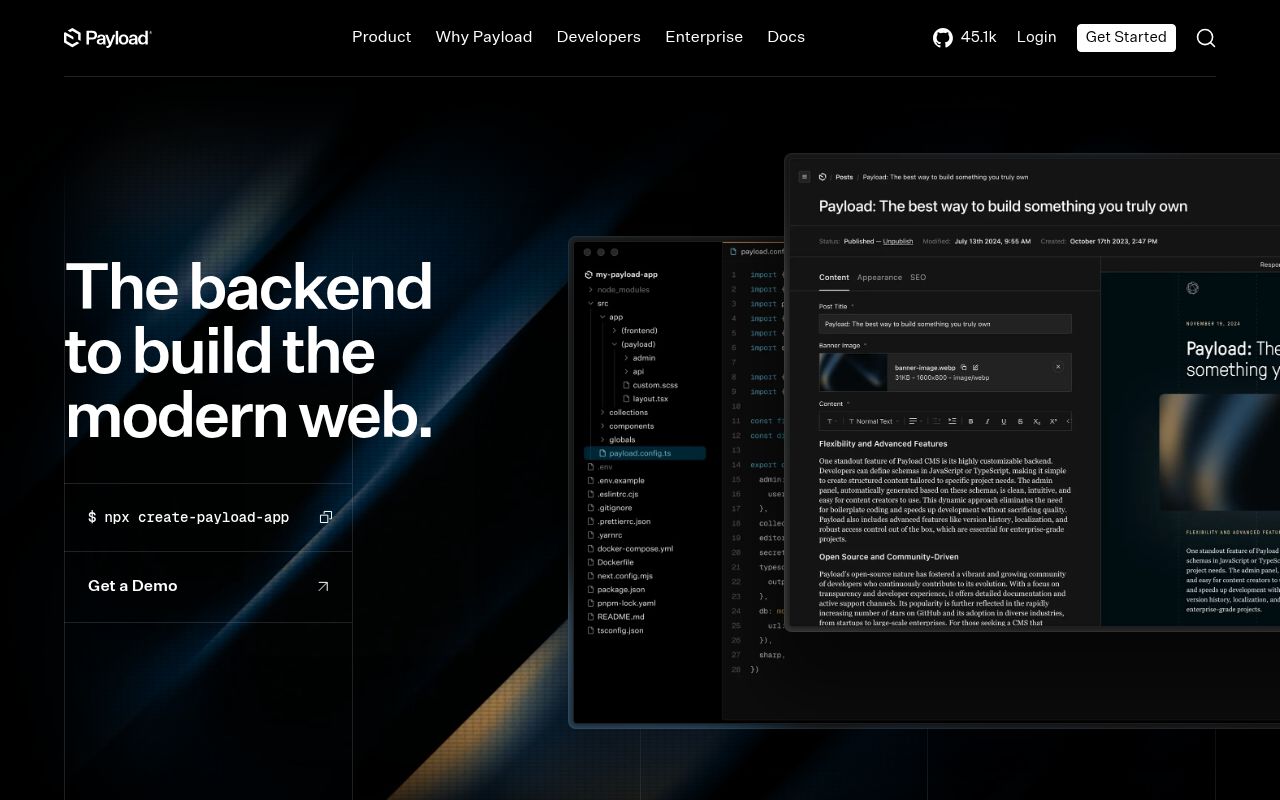
Payload installs into a Next.js /app folder and turns TypeScript collection definitions into an admin interface, authentication, generated types, and three data paths: REST, GraphQL, and a local API. React Server Components can query that local API without crossing an HTTP boundary. That arrangement keeps the content model beside the frontend code that consumes it.
The same arrangement ties their release work together. A field change, access callback, admin component, database adapter, and frontend query can ship in one deployment. That is convenient when one team owns the whole product. It is less attractive when a central CMS must serve several applications that upgrade Next.js on separate schedules.
The generated app is smaller than the 9,457-file workspace
commit 15d051b contained 9,457 files, about 979,289 lines of source, and a 75.5 MB checkout. Its pnpm workspaces include the core packages, database adapters, storage plugins, templates, examples, and a broad test estate. Evaluating the generated website template is a more focused adoption path than treating the upstream monorepo as an ordinary application dependency.
The README recommends create-payload-app and its website template for newcomers. That template combines the CMS and frontend with rich-text blocks, live preview, and on-demand revalidation. The one-click Vercel route pairs Next.js with Neon and Vercel Blob, while Cloudflare pairs Workers, D1, and R2. Those two paths make different database, storage, and runtime choices.
What happened when we ran it
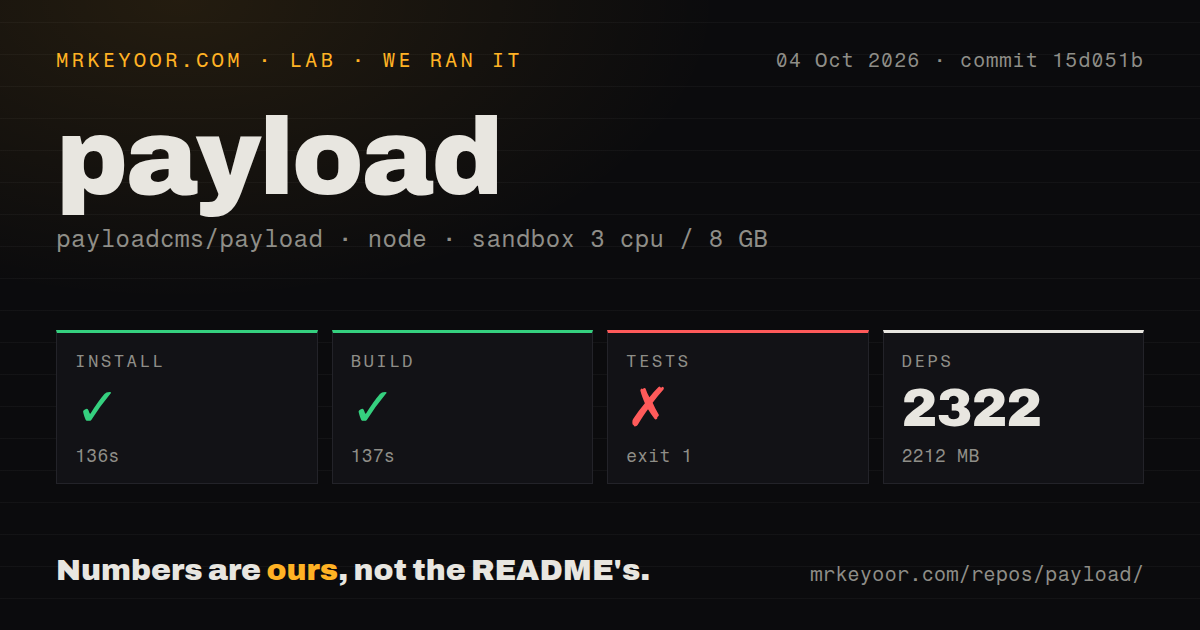
Our sandbox installed commit 15d051b in 136 seconds, adding 2,322 packages and consuming 2,212 MB on disk. The build completed successfully in 137 seconds. We used a fresh unprivileged Debian container with 3 CPUs, 8 GB of RAM, the lab-node:22 image, and no secrets. These results cover the repository toolchain, not page speed, database latency, or editor load time.
The test command failed with exit code 1 after 22 seconds. Vitest reported 113 failed test files and no executed tests. It spawned 113 isolated workers at about 102 milliseconds of startup per file, and its own summary said the run spent 96 percent of worker time in worker work. The visible tail did not include the exception behind those file failures.
The supplied tail gives no cause for the failures. The defensible finding is that the full suite never reached a test case in our container. The repository had 16 CI workflow files and a tests directory, while the scan found no Dockerfile. A contributor should reproduce the project's documented test environment before changing core packages.
Current app requirements start at Node 24.15.0
The installation guide stored at commit 15d051b lists Node 24.15.0 or newer, Next.js 16.2.6 or newer, and TypeScript 6.0.3 or newer. It also says only specified Next.js 15 and 16 ranges are supported. Our source build passed inside lab-node:22. Application requirements for this commit still start at Node 24.15.0.
Payload is fully ESM, and adding it to an existing app can require moving frontend files into a route group and converting the Next config to ESM. The database adapter is another explicit choice: MongoDB uses Mongoose, while PostgreSQL and SQLite use Drizzle. PostgreSQL schema changes call for migrations. Open issue 14800 reports one generated down migration dropping a table before its dependent constraint and index.
MCP writes share Payload access rules and application side effects
The MCP plugin adds an HTTP endpoint at /api/mcp and uses Payload authentication when credentials are supplied. Collection tools can find, create, update, or delete documents, and each tool can be disabled or given a separate access callback. The documentation warns that development's overrideAccess=true path skips normal permission checks and is rejected outside development.
Bulk MCP creates are best effort rather than transactional: an item can fail after earlier documents have been saved. Version v3.90.2 fixed a TypeScript 6 crash in the plugin's create and update tools. Open issue 18490 then documented a different v3.90.2 edge: writes succeed, but revalidation called from hooks arrives after the streaming route has returned, leaving statically rendered pages stale.
October activity is high, with 769 open pull requests
GitHub showed 45,098 stars and a last push on October 5, 2026. Search results counted 499 open issues and 769 open pull requests, which explains the API's combined total of 1,268. The latest release, v3.90.2, shipped on September 23 with fixes for trailing slashes, cloud storage, multi-tenant forms, the MCP plugin, and runner configuration.
The numbers describe an active project and a wide review queue. They do not turn 1,268 into a bug count. Recent issue 18065 concerns Next.js 16.3 with Cache Components, matching the installation guide's warning that full compatibility is not guaranteed. Pin Payload with its supported Next.js range, then test the admin panel, previews, uploads, migrations, and revalidation on the host you plan to use.
Choose Payload when one team owns product and publishing
Payload earns a trial when TypeScript configuration, direct server queries, and a customizable React admin remove more work than framework coupling adds. Directus fits an existing SQL database, Strapi keeps the CMS behind a service boundary, and Keystone offers a narrower code-first comparison. Our 137-second build proves this commit compiled in the measured sandbox. The 113 failed files with no tests executed mean contributors still need a better-matched environment before trusting changes.