
Four Chinese patent workflows share one agent skill
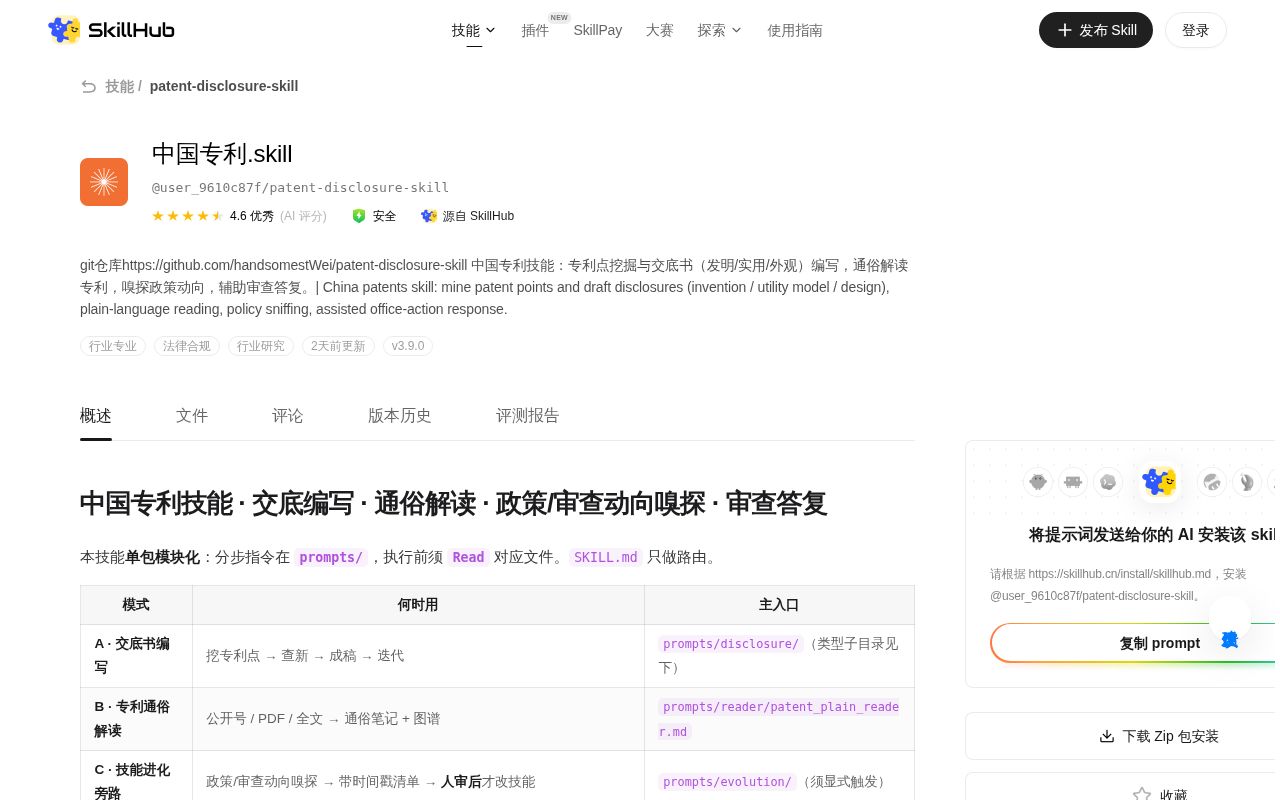
Patent Disclosure Skill routes four distinct jobs. It can inspect project material and draft an invention, utility-model, or design disclosure. A reading mode turns a publication number or PDF into plain-language notes and an Obsidian graph. A policy mode searches recent official changes only when requested. The office-action mode stores redacted past cases, searches them by labels or optional vectors, and drafts a response for human review. The instructions keep those modes separate, which matters because each one reads different prompts and writes different artifacts.
This is a large skill rather than a clever SKILL.md alone. Our checkout held 244 files, roughly 30,623 source lines, and 7.1 MB before installation. It includes Python tools, schemas, prompt modules, examples, diagram handling, document conversion, patent extraction, and Obsidian writers. The primary material is Chinese. An English sentence in the metadata explains the purpose, but an English-only operator would still have to translate the actual workflow rules and generated templates.
Disclosure output includes Word files and type-specific drawings
For an invention, the default route scans documents and code, identifies candidate patent points, searches prior art, prepares a preview, renders Mermaid diagrams, and writes Markdown plus an editable Word file. Utility-model and design work use separate schemas and figure plans. The instructions explicitly prevent the invention template from being reused for those types. Existing drawings can be selected, while missing line art can be generated and checked before insertion.
That breadth creates a real environment. Our install added 47 Python packages in 33 seconds and occupied 212 MB. The documented default path also needs Python 3.9 or newer and Chrome or Edge for Mermaid rendering and CNIPA browser automation. If neither browser exists, Playwright can install Chromium. Optional STEP processing lives in a separate environment and stays disabled until the user agrees, a sensible boundary for a heavy CAD dependency.
What happened when we ran it
Our sandbox installed the project in 33 seconds, then completed its build step in 8 seconds. Pytest ran for another 8 seconds and exited with failure. It reported 179 passed, 2 failed, 3 skipped, and 1 collection or setup error out of 182. Pip-audit found 0 known vulnerabilities in the installed dependencies. Those results cover commit ecd62fd in a fresh unprivileged Debian container with 3 CPUs and 8 GB of RAM.
Both named failures came from CNIPA class-code parser tests. test_ipc_from_result_card could not find tests/crawl/fixtures/epub_item_ipc.ht, and test_loc_from_design_card could not find tests/crawl/fixtures/epub_item_loc.ht. The supplied log tail also records an error in tests/oa/test_oa_store.py, but it does not show the underlying exception. We cannot say what caused that setup error. The useful finding is that a 47-package install and successful build did not produce a clean test run.
CNIPA search is useful only when every result is verified
The prior-art path first uses China's patent publication system through Playwright. It searches keywords, extracts IPC or Locarno class hints, then performs a second class-based search. If that route fails, the instructions allow a web-search fallback. Results are supposed to include abstracts and source links, with a prohibition on inventing extra records just to fill a target count. That is a thoughtful process for evidence collection, assuming the browser automation and parser keep working.
Issue 5 supplies the warning that should sit beside it. The reporter says AI models were inventing nonexistent patents and asks that patent numbers be checked. Our 2 parser failures also hit the code responsible for recognizing classification data from CNIPA result cards. Neither fact proves that every search is wrong. Together they make independent verification mandatory: open the official record, match the publication number, read the claims, and have a qualified person decide whether it is relevant.
Obsidian adds value and another operational layer
The patent-reading mode extracts text and figures from a PDF, builds a claim tree, creates a plain-language note, and can place related material into an Obsidian vault. It supports term links, Canvas files, source clues, and relationships between multiple patents. Without Obsidian it falls back to an output directory, so the core reading path remains available. The richer experience needs a configured vault and some comfort with Obsidian's file conventions.
Office-action assistance adds another store under the user's Documents directory. Labels always work; vectors are optional and can use several hosted providers or a local model. The instructions require redaction during case ingestion and call the final response a draft that must be reviewed before filing. That caveat is essential. A 212 MB Python environment can organize material, but it cannot determine legal strategy, preserve privilege, or validate the factual content without responsible human handling.
Active commits have not produced a formal release
GitHub showed 5,554 stars, 7 open issues and pull requests, and a push on August 30, 2026. The latest-release endpoint returned no release. Active source work and quick issue responses are better health signals than a tag alone, but the absence of a release leaves adopters choosing a commit themselves. The skill metadata at the measured revision says version 3.9.0, which is an internal version declaration rather than a GitHub release artifact.
For a Chinese-speaking engineer preparing material for a patent professional, this package covers an unusually complete working path. The 179 passing tests show substantial tested code, while the remaining 2 failures and 1 setup error land in sensitive search and case-storage areas. Pin the exact commit, keep client material out of unapproved services, verify each cited patent at its official source, and require professional review before anything is filed or sent to an examiner.