The panel manages Xray users, nodes, and subscriptions
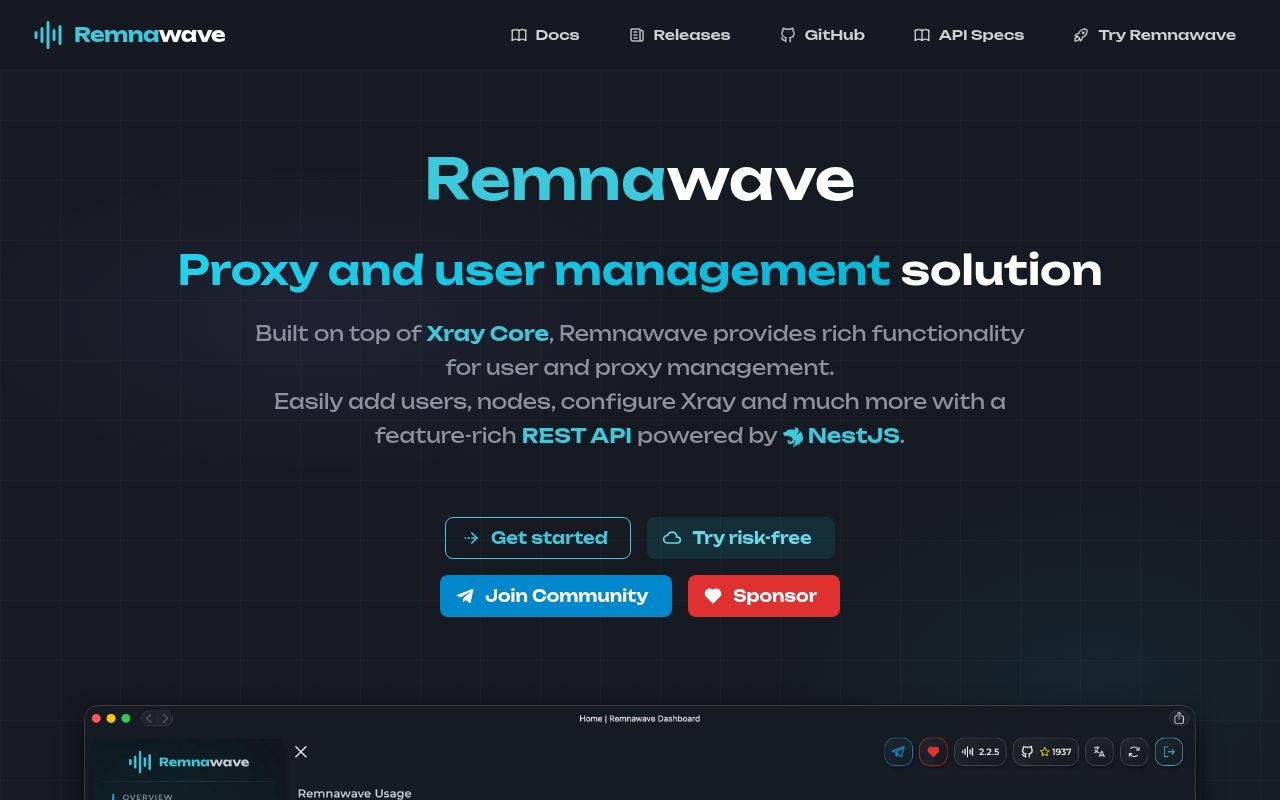
Remnawave is an administration layer around Xray-core. Operators create users, attach them to internal or external squads, configure hosts, distribute subscriptions, and manage remote nodes from one panel. Routing rules and configuration profiles determine how traffic reaches Xray. The surrounding project also documents client applications, SDKs, metrics, notifications, webhooks, and migration from Marzban. This is infrastructure for running a proxy service, not the software an end user installs to connect.
The name of this repository can mislead a buyer. remnawave/panel contains the Docusaurus documentation site and coordinates releases. The backend is a separate NestJS repository, the frontend is another React repository, and the node component is separate again. Release 3.3.2 points readers to matching backend and frontend releases and publishes versioned backend images. Pinning one tag across those moving pieces matters more than the green build badge of the documentation site.
Docker Compose still needs PostgreSQL, Redis, and a proxy
The official path downloads a production Compose file and environment template from the backend repository. Administrators generate APP_SECRET, METRICS_PASS, and WEBHOOK_SECRET_HEADER, replace the default PostgreSQL password, set the panel and subscription domains, and start the containers. Redis and PostgreSQL are part of the application environment. Docker plus the Compose plugin is required on the panel host and each Remnawave node follows its own installation path.
Hardware requirements are modest but specific. The panel minimum is 2 CPU cores, 2 GB of RAM, and 20 GB of storage, with 4 cores and 4 GB recommended. A node starts at 1 core and 1 GB, although the docs warn that Xray-core consumption rises under heavy load. Ubuntu or Debian is recommended. These figures make a small deployment affordable, but backups, TLS, monitoring, and database care remain the operator's responsibility.
What happened when we ran it
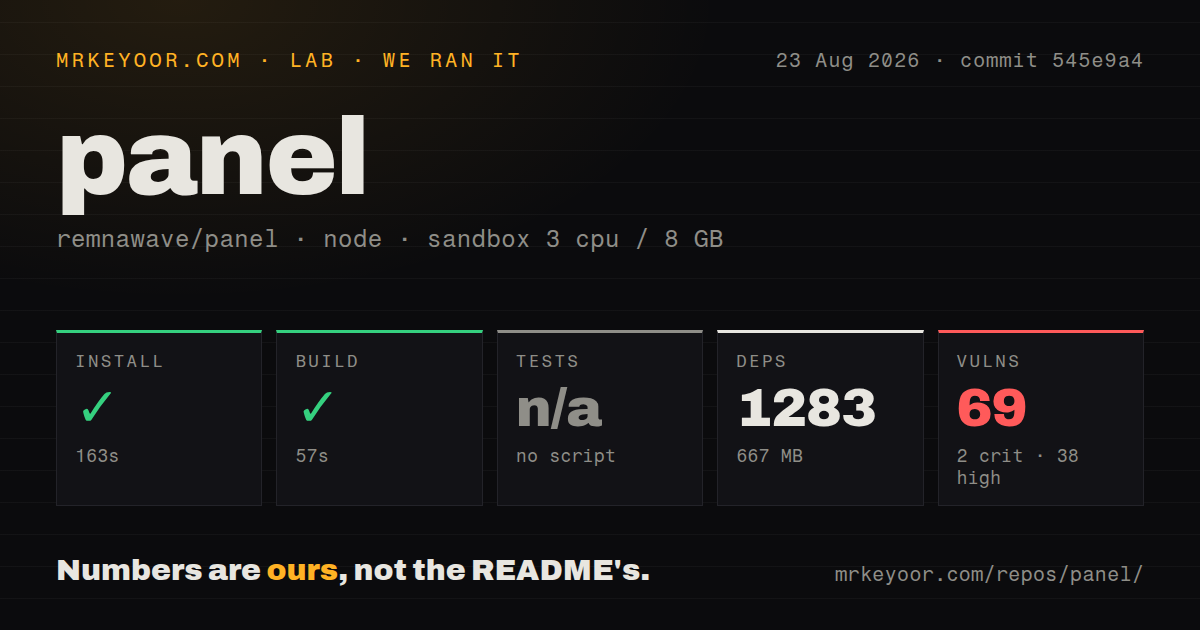
Our sandbox installed commit 545e9a4 in 163 seconds, adding 1,283 npm packages and consuming 667 MB on disk. The documentation build then completed successfully in 57 seconds. The checkout itself had 406 files, about 2,100 lines of source, and occupied 15.2 MB. It included one CI workflow and a Dockerfile, but no tests directory and no test script or target, so our harness skipped testing.
Npm audit reported 69 known vulnerabilities in the installed tree: 2 critical, 38 high, 22 moderate, and 7 low. That scan describes the documentation repository at the measured commit, not the separately packaged backend or frontend images. It still matters because this repository is an official part of the release and documentation supply chain. Before adoption, inspect the audit paths, confirm whether fixes exist without breaking Docusaurus, and scan the exact containers you intend to deploy.
A reverse proxy is a security requirement
The installation guide says a reverse proxy is required and warns operators not to expose Remnawave services directly to the internet. Application services should bind to 127.0.0.1, with Nginx, Caddy, Traefik, Angie, or a documented Cloudflare setup handling the public edge. The panel uses its configured frontend domain for CORS, while the subscription public domain may include /api/sub. Leaving sample values or using a wildcard deserves scrutiny before launch.
Secret handling is also explicit. The sample defaults must be replaced, and the docs recommend random strings at least 64 characters long. Environment changes do not take effect through a simple container restart; Compose must recreate the containers. That operational detail is easy to miss during an incident. Metrics use a separate port and password, Telegram notifications add a bot token, and webhook delivery adds another shared secret. Record which values can be rotated without invalidating clients.
Device limits work only with cooperating clients
Remnawave can restrict how many devices use a subscription by reading an x-hwid header. The feature is optional and disabled by default. From panel version 3.0.0, the identifier must match a documented 10-to-64-character format. Administrators can set a fallback limit, override it per user, inspect registered devices, and remove device records. That is useful for a managed service where subscription sharing creates support or billing problems.
Compatibility is the catch. The documentation maintains a finite list of clients that send the required header, and some listed applications disable it by default. If the limit is enabled for a user whose client sends no HWID, Remnawave returns a 404 response for the subscription. A competent operator should test every supported desktop, mobile, and router client before turning the feature on, then prepare a support path for false lockouts and device replacement.
August releases show an active component set
GitHub recorded 4,929 stars, 15 combined open issues and pull requests, and a panel push on August 22, 2026. Release 3.3.2 was published on August 20. The backend and frontend repositories were pushed again on August 26, which shows continued work across the product rather than activity confined to documentation. The split repositories make the combined open count for panel an incomplete view of product health, so review each component before an upgrade.
Remnawave fits an operator who already understands Xray and wants to stop managing users and remote nodes through scattered files. The Compose instructions, reverse-proxy warning, upgrade order, and security pages are better than a bare install script. Our 57-second build success does not cancel the 69 dependency advisories or the absence of tests in this repository. Trial it on an isolated domain, scan every image, and rehearse a panel-first rollback before moving real subscriptions.