The 2026-09 stack saves assembly, not administration
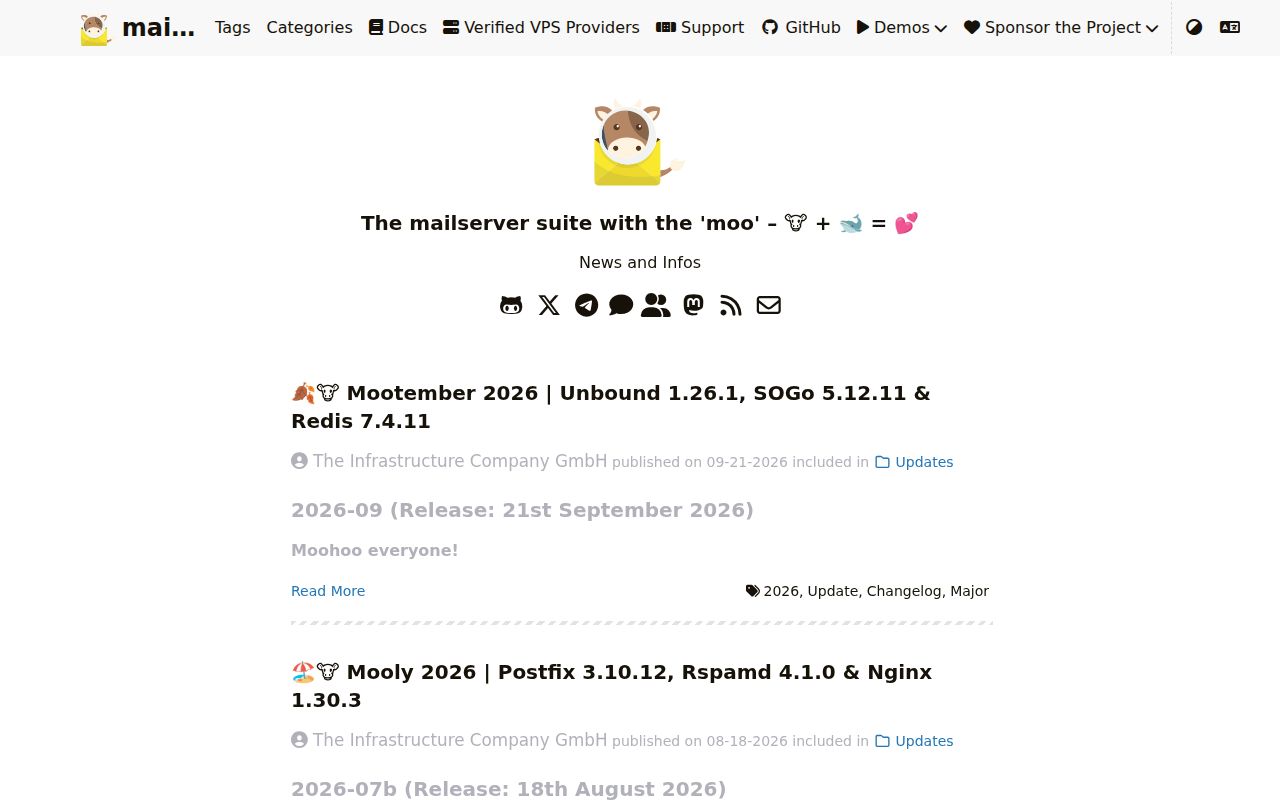
Mailcow's 2026-09 release updated Unbound to 1.26.1, SOGo to 5.12.11, and Redis to 7.4.11. The Compose file ties those pieces to Postfix, Dovecot, Rspamd, MariaDB, a web interface, certificate handling, and other supporting services. That is the appeal: one project owns the integration points that an administrator would otherwise wire together and keep compatible by hand.
Email still reaches far outside the containers. Mailcow expects 10 inbound service ports by default, including SMTP on 25, submission on 587, IMAPS on 993, HTTPS on 443, and ManageSieve on 4190. Each hosted domain needs correct routing and authentication records. The server's public IP and hostname also affect how other mail systems judge a message, so a healthy dashboard cannot guarantee inbox placement.
What happened when we ran it
We did not run mailcow-dockerized in the supplied sandbox. The harness classified the repository as JavaScript, found no supported ecosystem and no root Dockerfile, and reported NOT RUN. It did not attempt installation, a build, or tests. There are no lab timings, dependency counts, vulnerability results, or pass totals to report for this checkout.
That limitation matters because this repository orchestrates prebuilt services with Docker Compose rather than presenting a single root image to the lab route. The result does not show that mailcow failed, and it supplies no evidence that the stack starts cleanly. We also have no first-party measurement of message delivery, resource use, upgrades, or recovery. Those questions require a mail-aware environment, public DNS, and controlled send and receive tests.
6 GiB of RAM is the floor before mail storage
The system guide calls for at least 6 GiB RAM plus 1 GiB swap, a 1 GHz CPU, and 20 GiB of disk before messages are stored. It supports x86_64 and ARM64. The same guide recommends 8 GiB for roughly 5 to 10 users and gives a 16 GiB planning example for 15 phones using ActiveSync with about 50 concurrent IMAP connections. ClamAV and full-text search can be disabled to save memory.
A suitable host also needs those 10 service ports free, accurate time, and a full VM or physical machine. Mailcow explicitly rejects NAS installations, OpenVZ, and LXC. DNS work includes the host A record, MX records for each domain, a matching PTR record, and published SPF, DKIM, and DMARC policy. If your provider blocks SMTP port 25 or refuses reverse DNS, the quick install cannot fix the underlying hosting choice.
Docker 24.0 is only the start of the host work
The install guide requires Docker 24.0 or newer and Docker Compose 2.0 or newer, plus git, openssl, curl, awk, jq, and standard command-line tools. generate_config.sh asks for a fully qualified mail hostname and timezone, creates database and Redis secrets, and writes mailcow.conf. After image pulls and Compose startup, the administrator signs in with documented default credentials, which should be changed immediately.
Firewalling deserves its own review. The prerequisites warn that Docker publishes traffic through forwarding rules, so ordinary UFW or firewalld INPUT policy does not restrict mailcow as many administrators expect. The docs recommend managing the DOCKER-USER path. The host must also avoid existing services on ports such as 25, 80, and 443. This is why a spare general-purpose VPS is a poor default, even when it has enough memory.
460 open issues come with active release work
GitHub showed 13,469 stars, 1,803 forks, and 524 combined open issues and pull requests on September 22, 2026. A separate issue search found 460 open issues. The project pushed and published release 2026-09 on September 21, one day earlier. That release closed reports tied to an Unbound security update, a SOGo update, password display, generated DNS names, and authentication-cache behavior.
The queue still contains changes worth testing against your policy. Issue 7476 reports that version 2026-07a lets a user remove 2FA even when force_tfa is enabled. Issue 7480 reports malformed content and attachments when a domain-wide footer rewrites certain messages. Both were open when checked, and a report does not establish that every deployment is affected. It does establish two cases for a pre-upgrade regression set.
The 6 GiB appliance wins when one team owns the whole stack
Mailcow is the broad appliance choice among 3 close alternatives. Docker Mailserver favors configuration files and a simpler container model. Mailu keeps the multi-container mail-suite approach with different component and interface choices. Stalwart concentrates mail and collaboration protocols in a Rust server and offers storage and clustering paths that appeal to larger or more customized deployments. None removes the DNS and delivery work attached to running your own domain.
For mailcow, start with a noncritical domain on a host that meets the published floor. Verify all 10 ports, reverse DNS, SPF, DKIM, DMARC, TLS renewal, backups, and a restore before moving important mailboxes. Pin the 2026-09 release rather than following a moving branch blindly, read each release note, and include forced 2FA plus domain footers in acceptance tests if you use them. Mailcow earns the server when that operating routine already has an owner.