Should you use 3X-UI?
Choose it for a personal Xray-core server when client administration is enough work to justify a web panel. The README restricts the intended use to personal deployments and explicitly asks users not to use it in production. Our sandbox evidence also leaves source-build and test problems to investigate before relying on this checkout.
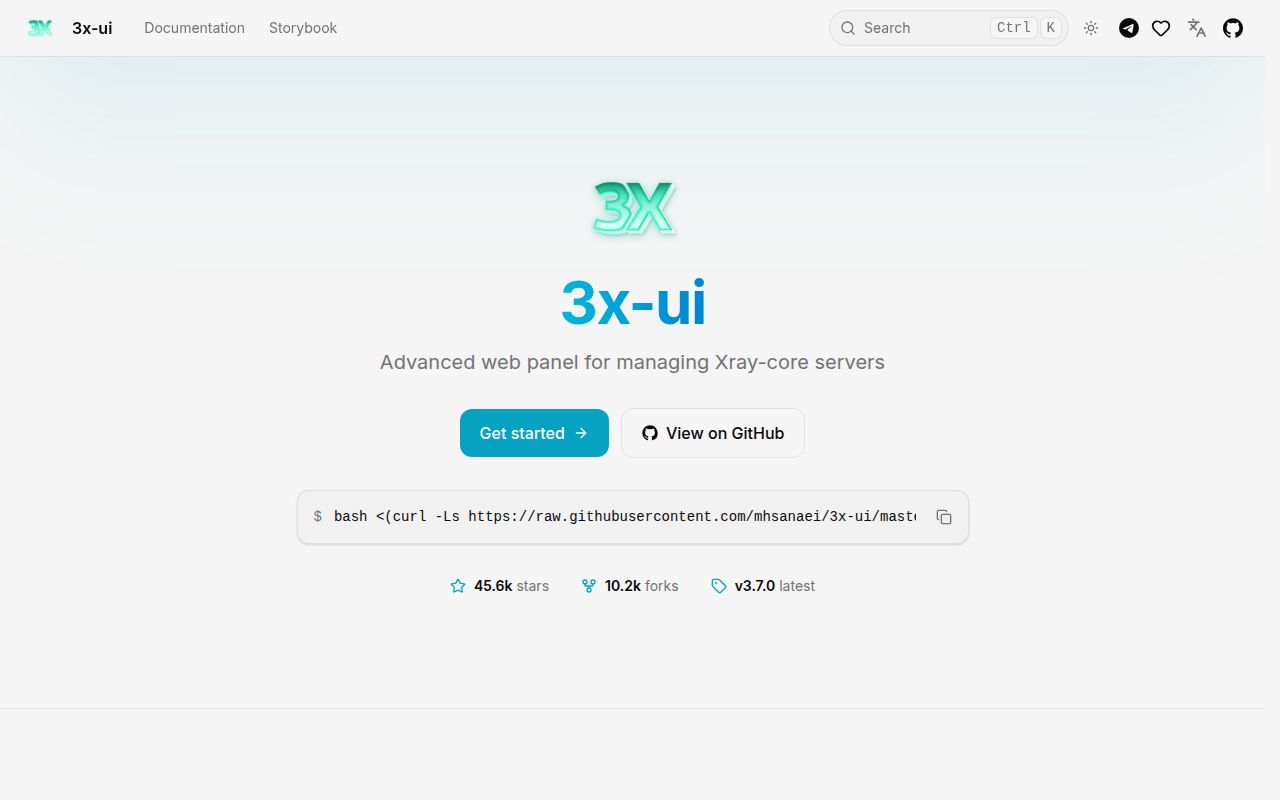
3X-UI manages client traffic quotas, expiry dates, IP limits and subscription links through a browser interface. The README at the measured commit also documents traffic statistics, routing, a Telegram bot, an API and multi-node management. These are documented capabilities, not workloads verified by our run.
What our run actually established
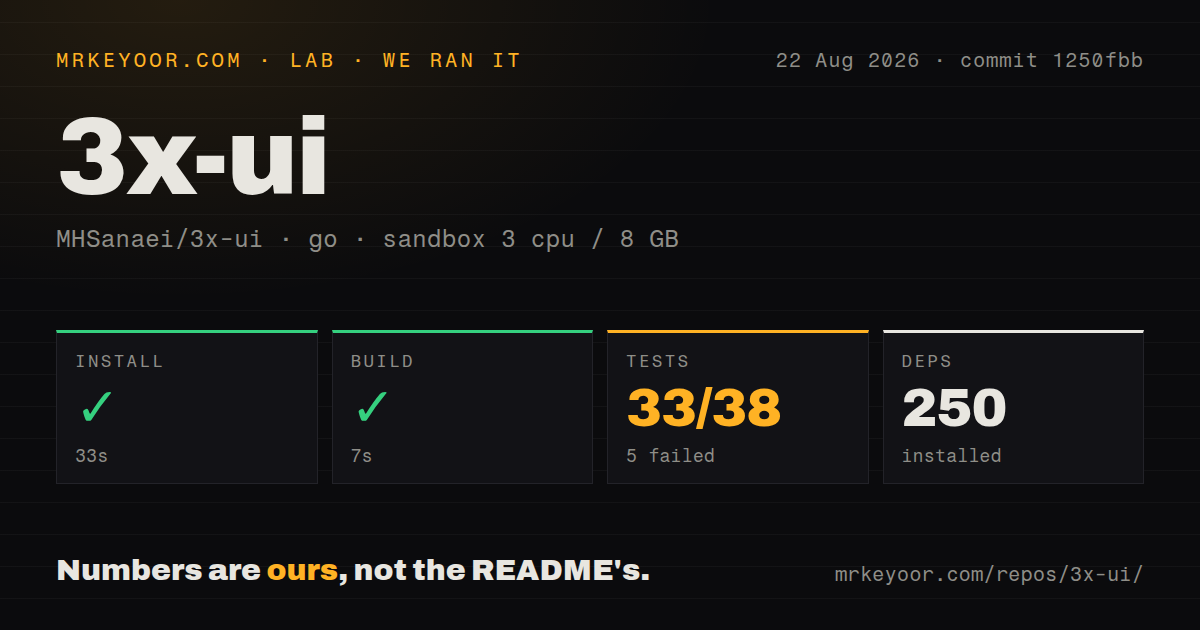
Our run took place on 2026-08-22 at commit 1250fbb (1250fbb734fcaa592eeacca0af70123290df9b2b). The matching stored sandbox record specifies 3 CPUs, 8 GB of memory and the golang:1.24-bookworm image. The install step recorded exit 0 after 33 seconds; its tail shows that it downloaded Go 1.26.6.
Our sandbox recorded the test command exiting with code 1 after 839 seconds. The attached stored parser summaries report 33 passing and 5 failing results, with a stored total of 38. These figures do not establish unique, exhaustive test coverage or a count of individual assertions. The raw metrics separately record four packages without tests; those are not failed or skipped tests, and we have not recomputed the attached total.
The visible raw footer names github.com/mhsanaei/3x-ui/v3/internal/web/service as failing after 360.129 seconds. That package duration is separate from the 839-second command duration. The tail includes a SQLite commit stack during database setup for TestBulkAdjust_NodeInbound_ReenablesDBLocations, but it does not establish the root cause or explain every failing parser result. Nearby package footers report success, including email, integration, panel and Xray packages.
Our build tail reports pattern all:dist: no matching files found and vet-exit:1. The harness nevertheless stored the build step as successful, with exit 0 after 7 seconds. We preserve both observations: the stored command status and the diagnostic output disagree. A successful application build is therefore unverified.
For each step, our harness stores a status, exit code, duration and output tail; it also stores parsed test summaries. Those fields need to be read together. The MrKeyoor testing methodology explains this provenance and the limits of sandbox testing. Its current description does not establish which methodology revision governed this August run. This correction uses the existing record and includes no new execution.
We did not validate a running panel, proxy throughput, client connectivity, certificate issuance, privileged firewall changes, PostgreSQL or multi-node operation. The record contains no audit result or scanned-package coverage, so security scan coverage is unknown.
Installation leaves deployment work to you
The commit-pinned README says the installer generates a random username, password and access path. It documents SQLite as the default database and recommends PostgreSQL for high client counts or multi-node setups. Those instructions help you plan a trial, but our dependency-install timing does not measure the VPS installer or the time needed to configure a usable server.
Docker IP limits deserve a separate check. The README says Fail2ban uses iptables and requires NET_ADMIN; its example also grants NET_RAW. Without the documented capabilities, bans are logged but not applied. Verify enforcement on the intended host before relying on an IP-limit policy. Our sandbox did not test that path.
Keep the measured commit separate from v3.7.0
The supplied v3.7.0 release notes identify a different commit, f727d04. They describe automatic schema migrations and instruct operators to take a database backup before upgrading. They also state that building that release from source requires Go 1.27.
Those release instructions matter if you choose v3.7.0, but our August 22 run at 1250fbb does not validate that release, its migration behavior or its later fixes. For a trial, record the exact release you install, keep a restorable backup and verify the client and administration paths you intend to use.
Which other panels should you compare?
Hiddify Manager lists both Xray and SingBox cores. Compare it when support for both cores is a requirement. Its README also lists automatic updates, automatic backups and user time and traffic limits. Those are upstream feature descriptions; we did not test Hiddify Manager or establish that its deployment is easier or safer.
Marzban is an Xray-core account-management panel built with Python and Reactjs. Compare it when that implementation stack and its documented account-management workflow suit your maintenance needs. Its installation guide describes certificate-based dashboard access and SSH forwarding for local testing. We did not run Marzban, so this is a comparison of documented roles rather than measured reliability.
Both are alternative management panels. Xray-core is the underlying server software managed by 3X-UI, so it is a component of this setup rather than a like-for-like panel replacement. Managing it directly is a different administration workflow; the supplied evidence does not establish that doing so is safer.
How to read the ratings
These editorial ratings use a five-point scale: 1 means substantial obstacles, 2 means important gaps, 3 means usable with material qualifications, 4 means strong evidence for the named dimension, and 5 means especially strong evidence within that dimension's stated scope. They are not security certifications or deployment benchmarks.
Setup ease is 3/5 because dependency installation completed, while the build diagnostics and deployment requirements leave substantial work unverified. Documentation is 4/5 for the specific installer, storage and Docker enforcement instructions in the supplied README; we did not audit the entire documentation site. Community is 5/5 for public repository visibility only, not support quality or adoption: the supplied GitHub metadata shows substantial attention, but no response-time or contributor-retention evidence. Maturity is 3/5 because the documented administration features coexist with a failing test command, unresolved build diagnostics and an explicit personal-use boundary.