One switch can create an all-day local transcript
Life Recorder captures roughly one-minute AAC chunks on an iPhone and queues them until a Mac receiver acknowledges durable storage. The Mac converts each chunk with ffmpeg, transcribes it through whisper.cpp, removes some repetitive noise markers, and writes one Markdown document with hourly timestamps. Audio is deleted only after receipt and successful transcription. No hosted speech API or cloud storage is required.
That flow has a clear appeal: your spoken notes stay on devices you control, pending clips survive a lost connection, and the transcript is a normal file rather than a proprietary account export. It is also an always-available microphone. Recording can continue while the screen is locked and other apps are in use, so consent, retention, physical access, and backup policy matter more than the convenience of life.md.
The phone is a development build, not an App Store download
Installation starts in Xcode with an Apple developer account, a connected iPhone, and Developer Mode. The app asks for microphone and local-network permission. A command-line route exists, but it still needs a development team identifier and device ID. After an iPhone reboot or force-quit, iOS requires the user to open Life Recorder once before capture resumes.
The Mac side needs Python 3.10 or newer, ffmpeg, whisper-cli, and a GGML Whisper model. Its setup script creates a 256-bit bearer token, a self-signed certificate, and a pairing page containing the private credential. The token goes into iPhone Keychain and the Mac runtime. The receiver can install itself as a launchd agent and defaults to HTTPS on port 8765.
What happened when we ran it
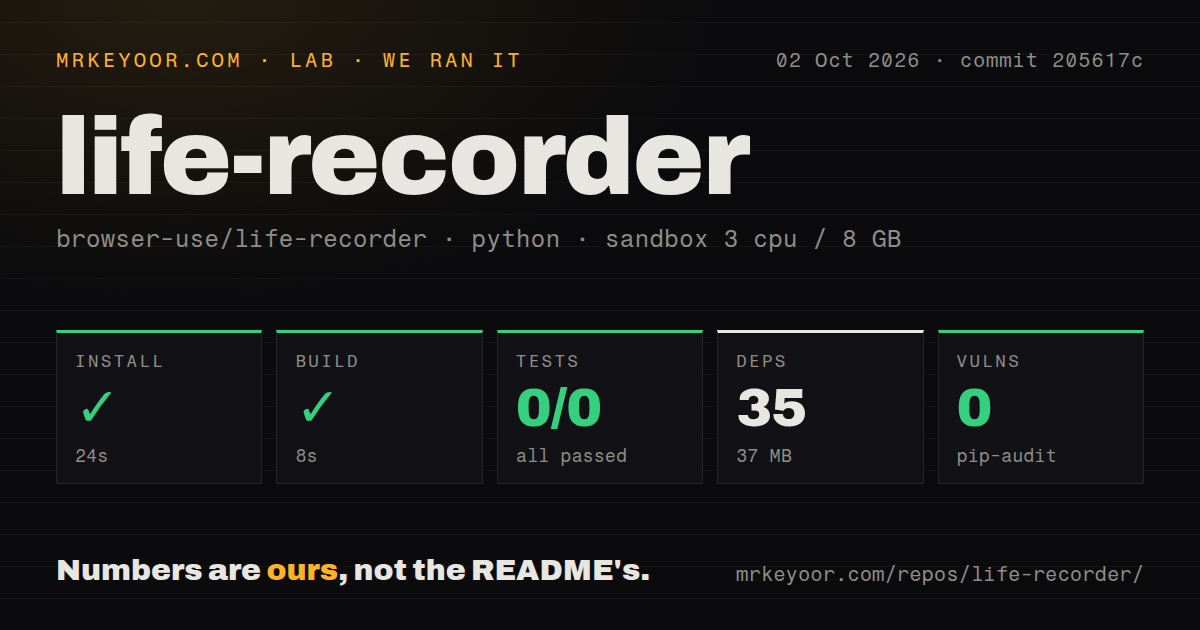
Our sandbox ran the Python receiver at commit 205617c. Installation succeeded in 24 seconds, adding 35 packages and occupying 37 MB. The build completed in 8 seconds. The checkout was only 19 files, about 1,557 lines of source, and 0.1 MB, so the receiver is small enough for a careful code read. Pip-audit reported 0 known vulnerabilities.
The test step failed with exit code 5 after 9 seconds because pytest found no cases: 0 passed and 0 failed out of 0. The repository has a root tests directory plus iPhone test source, but our harness worked inside receiver/, the detected Python project directory. We cannot turn files outside that run into passing evidence. The result establishes a successful receiver install and build, followed by no collected pytest coverage.
Our scan also found no CI workflow and no Dockerfile. Neither is mandatory for a personal Mac tool, especially one tied to Xcode and launchd. Together with the zero-case pytest result, though, they leave the owner responsible for reproducing the intended checks before trusting changes with hours of private audio.
Certificate pinning keeps the default route private
The receiver exposes an authenticated upload endpoint and health route, not transcript download or general Mac access. It checks a bearer token, pins the self-signed certificate on the phone, validates content length and SHA-256, limits an upload to 32 MB, and refuses a non-loopback listener without a certificate and key. Runtime files use restrictive permissions. These are sensible boundaries for a small home service.
Local security does not make the transcript harmless. Anyone who can read the runtime directory can read its token and text. A pairing page contains enough information to connect the phone, so it belongs in private storage. The README also recommends excluding the runtime from repositories and choosing backups deliberately. Speech recognition can be wrong, and the generated document warns an agent to treat transcripts as source material rather than instructions.
Cellular access is deliberately absent. On the same LAN, a .local hostname can reach the Mac. Away from home, you supply a private VPN address or another HTTPS route. Opening port 8765 to the public internet would create a threat model the project does not claim to handle. The Mac must also be awake when uploads arrive, although the phone retains pending clips when it cannot connect.
The current transcript rewrite grows with the archive
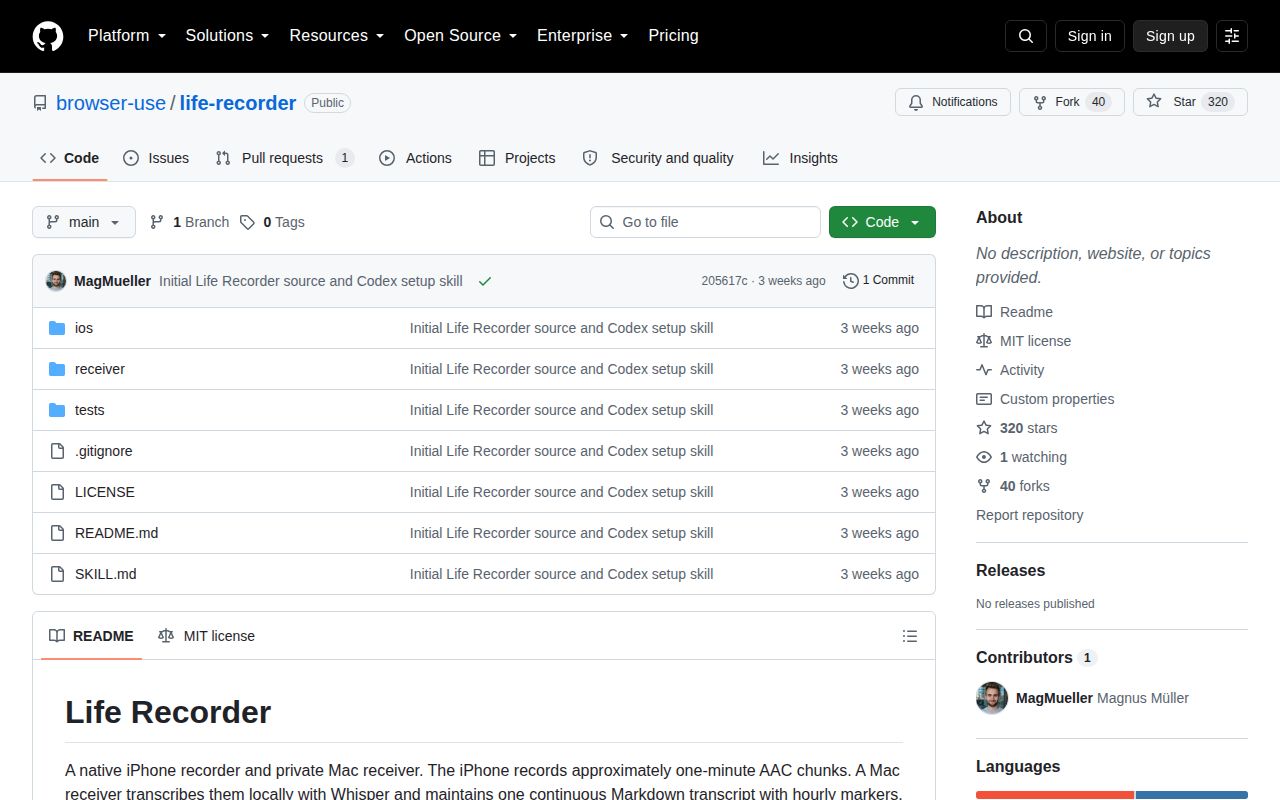
Open pull request 1 identifies a long-running cost in the current receiver: after each successful chunk, it reads completed rows and rewrites daily files plus the full life.md. That work increases as the archive grows. The proposed branch switches normal in-order arrivals to append operations and keeps a full rebuild for recovery and out-of-order cases, but it remained open when checked.
GitHub showed 320 stars and 40 forks on October 2, 2026. The repository was created and last pushed on September 11, with the performance pull request opened the next day. There is no tagged release and no closed issue history. Those dates describe a newly shared project, not a maintained product with upgrade or support expectations.
Life Recorder is interesting because it keeps the whole path visible: capture, authenticated transfer, local transcription, deletion, and a plain-text archive. Its privacy claim depends on you operating that path correctly. Our 24-second install and 8-second build lower the barrier to reading the receiver, while the 0 collected tests and unmerged archive fix argue against treating it as background infrastructure you can forget.