LACT combines monitoring with privileged GPU control
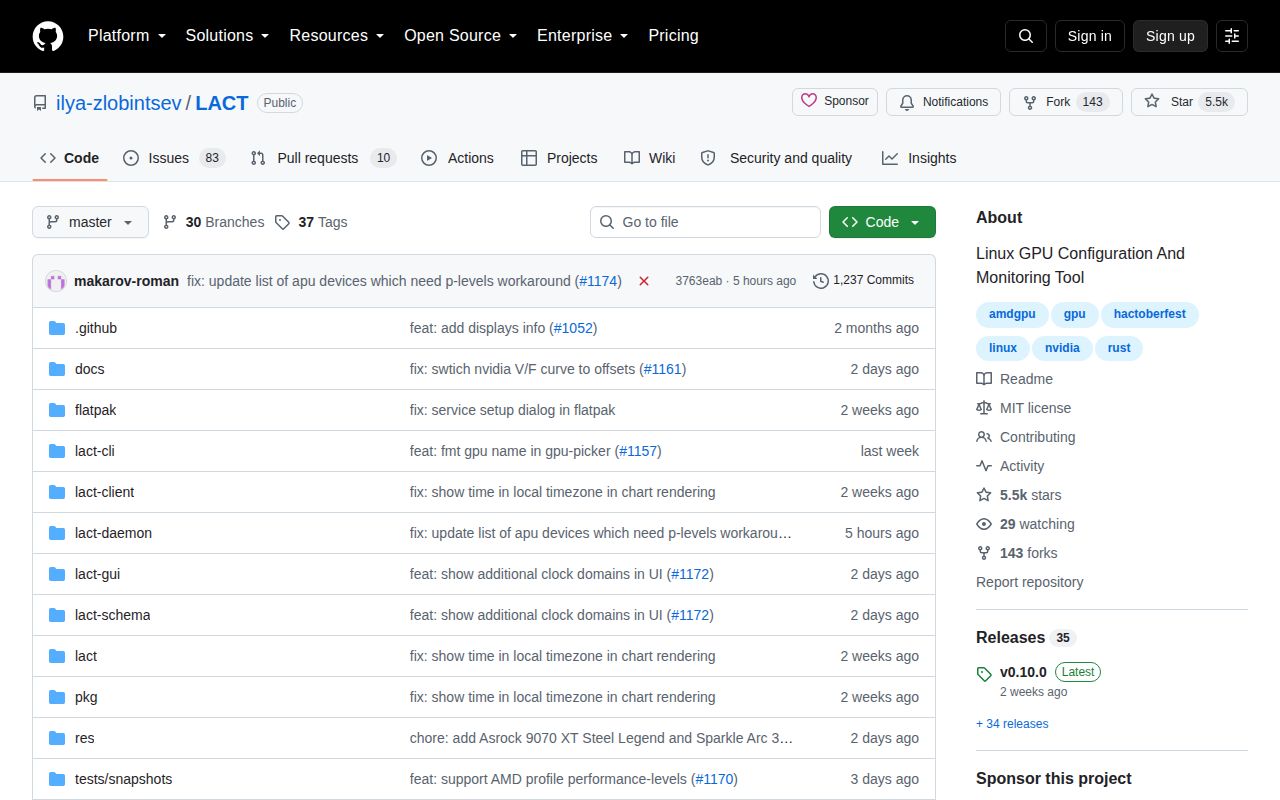
LACT reports GPU identity, memory, hardware units, driver data, Vulkan support, temperatures, power, clocks, and throttling. Historical graphs and CSV export make it useful even before a user changes anything. The configuration side covers power caps, AMD power states, fan curves, clock adjustments, undervolting, and automatic profiles tied to processes or GameMode. Nvidia and AMD receive the widest control surface, while exact availability depends on the card and driver.
A system service owns configuration work and does not require Wayland or X11. The graphical client connects through a Unix socket, and a headless system can run the daemon from /etc/lact/config.yaml. That split is sensible for settings that should survive closing the interface or suspending the desktop. It also means installation includes privileged service management, access groups, logs, and recovery behavior.
Distribution packages are the practical installation route
The README lists packages for Arch, Debian 12 or newer, Ubuntu 22.04 or newer, Fedora, Bazzite, Gentoo, openSUSE Tumbleweed, NixOS, Solus, and Flatpak. There is also a Docker path for the service without the graphical interface. Nvidia users need the proprietary driver and CUDA libraries. After installation, lactd must be enabled and started before the interface can change settings.
Release v0.10.0 arrived on August 12, 2026. It added Nvidia PowerMizer and voltage-boost controls, more Blackwell temperature readings, AMD GTT usage, a service setup wizard, and polkit authorization for profile hook commands. The same release raised the GTK feature gate to 4.14. That dependency change is exactly where our Debian build stopped.
What happened when we ran it
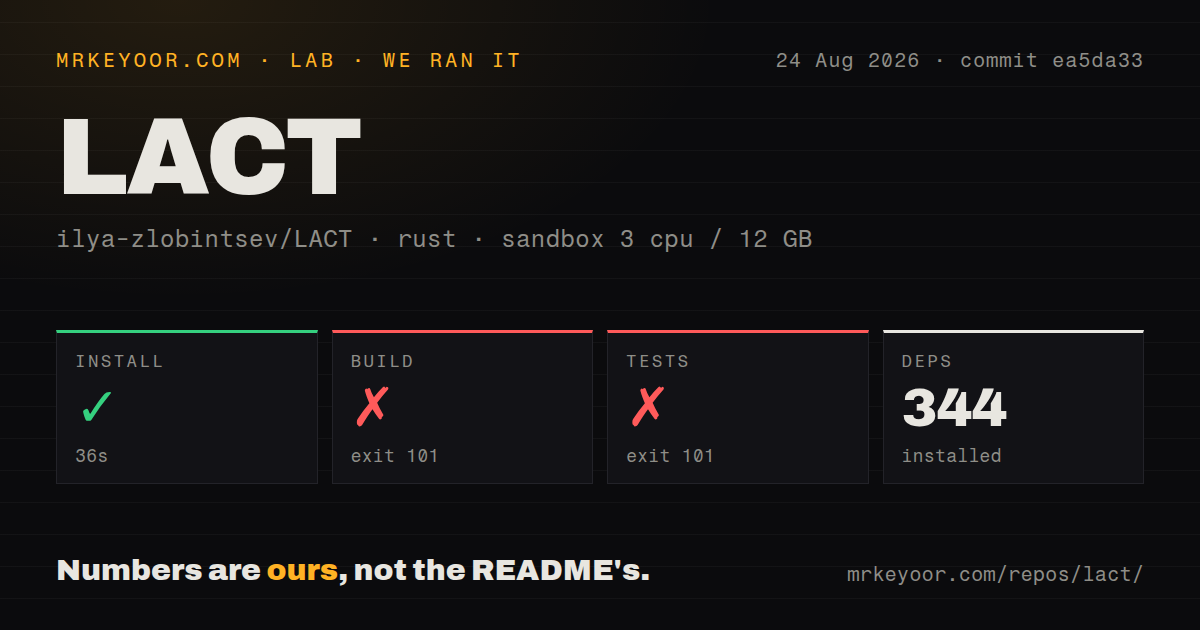
Our sandbox cloned commit ea5da33 into a fresh, unprivileged Debian container with 3 CPUs, 12 GB of RAM, and no secrets. The 9.2 MB checkout contained 3,724 files and about 97,597 lines of source. We found 5 CI workflow files and a tests directory, with no root Dockerfile.
Installation succeeded in 36 seconds and installed 344 Rust packages. The build failed after 42 seconds with exit code 101. pkg-config found GTK version 4.8.3, while gdk4-sys required GTK 4.14 or newer. The log also said PKG_CONFIG_PATH was unset, but its decisive comparison was the installed version being below the requirement.
The test command failed after 57 seconds with the same exit code and the same GTK comparison. Compilation stopped while resolving the graphical system library, so the run produced no test pass or failure count. This is a platform prerequisite failure, and it says nothing about the behavior of the test suite on a distribution with GTK 4.14.
Source contributors need more than Rust crates. The README lists Rust 1.97 or newer, GTK 4.14, libadwaita 1.5, Git, pkg-config, Clang, Make, hwdata, libdrm, and libdisplay-info. Fedora and Arch commands are supplied. Users on slower-moving distributions should take the project package or Flatpak instead of upgrading desktop libraries solely for a source build.
Hardware support is specific to each card and driver
A control visible in the interface does not guarantee that the kernel will accept it. Issue 1141 reports an RX 7900 GRE where profile switching, power settings, and telemetry worked, but manual fan writes reverted immediately. The reporter's direct sysfs attempts failed too, pointing to the driver or firmware boundary rather than merely a graphical control. LACT's hardware matrix is the first check before buying into any particular feature.
Issue 1151 gives a different AMD case. On a Radeon 660M, terminal commands could switch power mode and change frequencies, while LACT 0.9.1 failed when applying the same class of setting. Issue 1116 reports a custom RX 7900 XTX fan curve that did not apply at boot until another setting was changed in the interface. These reports justify model-specific startup and load testing.
Overclocking support increases both usefulness and risk. The project links a dedicated recovery guide for a bad overclock. Sensible practice is to save the original configuration, change one control at a time, test temperatures and stability, and know how to stop the daemon or remove its configuration without the graphical client. A profile that worked on one kernel or driver version should be rechecked after updates.
Remote control is unauthenticated unless you protect it
LACT can listen on TCP so a graphical client on another machine manages the daemon. The README puts the warning in plain language: this connection has no authentication and no encryption. It is disabled by default. Binding the example address to all interfaces without a firewall or trusted tunnel would expose privileged GPU controls to anyone who can reach the port.
Local socket access has its own policy. LACT normally assigns the socket to wheel or sudo, and the config can name an administrator user or group. Flatpak handles permissions through its service setup. Operators should verify the effective socket owner rather than assume their distribution uses one of the expected groups.
Daemon integrations also deserve monitoring. Issue 1163 describes a GameMode watcher that left more than 1,500 orphaned busctl processes during repeated reloads, eventually exhausting D-Bus resources and freezing a desktop. The report concerns version 0.10.0 and current source at filing. Users relying on automatic GameMode profiles should watch process counts and service logs until that path is resolved.
GitHub recorded a push on August 25, 2026, and listed 93 issues and pull requests together. Current work spans AMD apply logic, translations, Nvidia Blackwell controls, fan behavior, packaging, and dependency compatibility. LACT is actively maintained and unusually well documented. Its remaining problems are often where Linux GPU tools are hardest: firmware, drivers, privileged services, and hardware-specific controls.