mrkeyoor.com_
Sat 08 Aug 21:02 UTC
LLM Toolsevaluationupdated 08 Aug 2026

kubernetes-mcp-server

Kubernetes MCP Server lets an AI assistant inspect and operate Kubernetes or OpenShift through the Model Context Protocol. It talks directly to the Kubernetes API, giving clients controlled tools for resources, logs, events, Helm, and several cluster add-ons without depending on local kubectl or helm binaries.

Verdict

Kubernetes MCP Server is the strongest first trial here for teams that want a native, well-documented bridge from AI clients to Kubernetes and OpenShift. Its packaging, toolset controls, observability, and active evaluation work are unusually serious. Start with read-only access on a non-production cluster, because the useful write and exec tools also create the project's largest risk.

Setup4/5One-command trial, but safe remote operation needs real policy work
Docs5/5Detailed client, security, configuration, auth, and toolset guides
Community5/5Current issue discussion, frequent merges, and many contributors
Maturity4/5Broad tested surface, with important scaling and permission gaps

Who it’s for

  • Platform engineers who want an MCP client to investigate cluster failures using live resources, logs, events, and metrics.
  • OpenShift teams that need native support for projects plus optional Kiali, KubeVirt, NetObserv, and Tekton toolsets.
  • Developers who want one native binary, container, npm package, or Python package rather than a wrapper around installed command-line tools.
  • Security-conscious operators prepared to start read-only and narrow the available toolsets and Kubernetes permissions.

Who it’s NOT for

  • Teams that cannot give an AI process Kubernetes credentials: the server can create, update, delete, exec into pods, and install Helm charts unless its modes and cluster RBAC restrict those actions.
  • Operators needing per-agent permissions inside one shared server: issue 1257 says the current destructive controls are all-or-nothing and asks for role-specific tool access.
  • Large OpenShift clusters relying on the built-in cluster health prompt: issue 1129 reports client timeouts caused by many sequential, unpaged API calls across cluster namespaces.
  • Workflows that must remove an annotation or label key they do not own: issue 1352 explains that the current server-side apply tool cannot express that patch operation.
  • Argo CD users expecting native application history, diffs, or Argo RBAC: issue 1338 says Kubernetes-only access is insufficient for those jobs and discusses an optional toolset rather than documenting one as available.

Setup reality

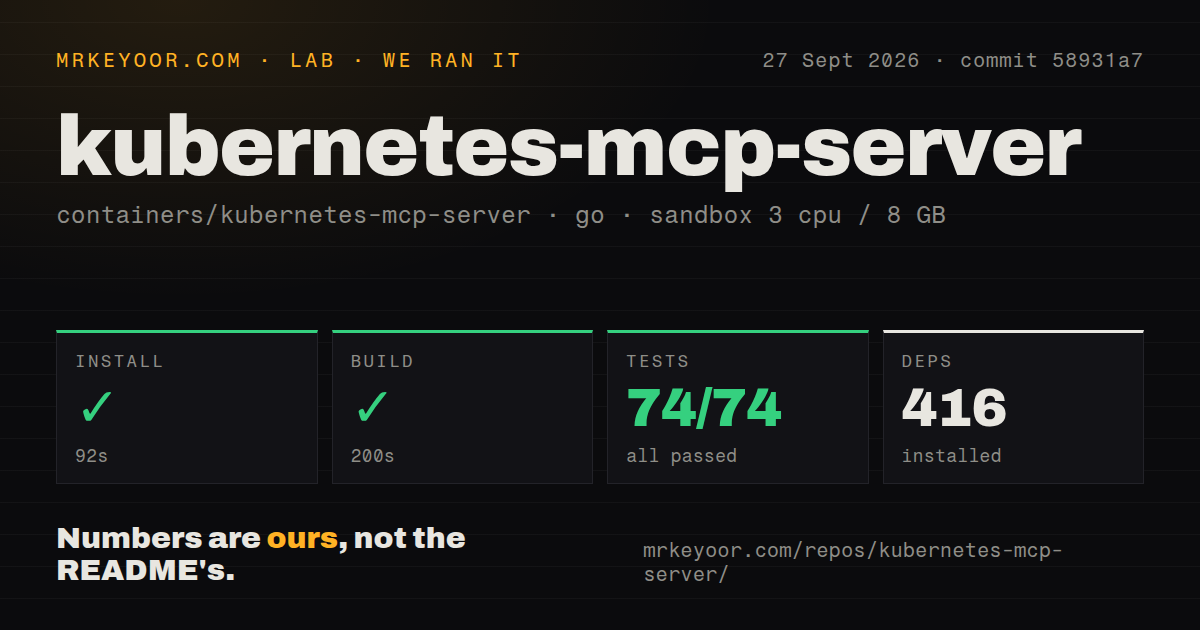
Trying it locally is easy if a working kubeconfig already exists: an MCP client can launch the npm or Python package, or you can download one binary. Safe deployment takes more work than the quick-start snippet suggests. You need a dedicated ServiceAccount, least-privilege Kubernetes RBAC, read-only or destructive-operation settings, denied resources for secrets, selected toolsets, and authentication plus TLS if exposing Streamable HTTP. Multi-cluster kubeconfigs and optional OpenShift toolsets widen both testing and permission work.

A direct bridge between an assistant and a cluster

Kubernetes MCP Server gives MCP clients a structured way to inspect and change Kubernetes or OpenShift. Instead of asking a model to compose shell commands, it exposes named tools for listing resources, reading logs and events, scaling workloads, executing inside pods, managing Helm releases, and creating or deleting objects. The Go server calls the Kubernetes API directly, so its native binary does not require kubectl, helm, Node.js, or Python.

That design is the main reason to choose it. A wrapper around command-line output inherits local binary versions, text parsing, and whatever plugins happen to be installed. This server works with typed API clients and distributes binaries for common desktop and server platforms, plus container, npm, and Python packages. It supports stdio for a local client and Streamable HTTP or SSE for a shared service.

The project also reaches beyond basic pods and deployments. Optional toolsets cover Helm, Kiali, KubeVirt, NetObserv, kcp, and Tekton, while the core tools work with arbitrary resource kinds. Multi-cluster kubeconfigs are supported, and configuration changes can be detected without treating the server as a one-cluster disposable process. That breadth makes it useful to platform teams, but it increases the number of permissions and failure modes they must understand.

The first connection is easy

For Claude Desktop, Cursor, VS Code, Goose, and similar clients, the quick start is credible. An npm-based configuration can launch the server with one npx command. The same executable is available through uvx, a downloaded release, or a container image. If your kubeconfig already points at a reachable cluster, there is little machinery between installation and a useful read request.

Packaging is better than most young MCP projects. The latest release includes native files for Linux, macOS, and Windows across several architectures. Configuration can live in command flags, environment variables, or TOML, with drop-in files for larger deployments. There are dedicated guides for Claude Code, Kubernetes deployment, logging, authentication, and observability rather than one oversized README pretending every environment is identical.

The difficulty begins when the experiment becomes a service. Remote HTTP needs TLS and an identity layer such as OAuth or OIDC. A production installation needs a dedicated Kubernetes ServiceAccount and narrowly scoped RBAC. Operators must decide which toolsets are visible, which resource types are denied, whether multi-cluster switching is acceptable, and whether the server should be stateless behind replicas. None of this is needless ceremony: the process holds credentials capable of affecting a cluster.

Safety controls are good, but not a policy engine

The server offers a sensible starting set of guardrails. Read-only mode removes write operations. A separate setting disables destructive actions, selected toolsets reduce the exposed surface, and denied-resource rules can block sensitive kinds such as Secrets. MCP log messages redact tokens, passwords, and cloud credentials. The documentation explicitly points production users toward a dedicated read-only ServiceAccount.

Those controls do not remove the need for Kubernetes authorization. In normal mode, tools can update and delete resources, install charts, run images, and execute commands inside pods. A mistaken model action can therefore become a real cluster action. The safest rollout is a disposable cluster first, then a read-only production identity, then narrowly justified write verbs in selected namespaces. Human confirmation in the client is helpful, but cluster RBAC remains the dependable boundary.

Granularity is also unfinished. Issue 1257 asks for different permissions for different agents because the destructive switch is currently binary. Teams wanting one agent to inspect everything and another to deploy only within one namespace should use separate server identities or endpoints rather than assume the MCP layer can enforce that distinction today.

There are smaller operational gaps too. Issue 1352 documents that server-side apply cannot remove an annotation or label key owned by another field manager, and proposes a dedicated patch tool. That is a specific limitation for remediation workflows, not a reason to reject the whole server, but agents may still need a controlled fallback for certain edits.

Broad diagnostics can become expensive

The toolset approach keeps common requests focused, and the server can return table output rather than full YAML lists. An open proposal explores server-side output queries after project evaluation found that filtering could cut token use. This matters because cluster resources can produce far more text than an assistant should receive. Enable only the toolsets that an agent needs and prefer scoped namespace queries.

The clearest warning is the cluster health prompt. Issue 1129 reports that it times out on real Kubernetes and especially OpenShift clusters. The described handler performs many sequential calls, lists large resource sets without paging, and checks events across numerous OpenShift namespaces. Until that path changes, treat it as a small-cluster convenience, not proof that one prompt can diagnose a large estate within a typical MCP client timeout. Individual resource, event, and log tools remain more controllable.

The project is admirably candid about evaluation. Its repository includes scenario-based checks across Kubernetes, Helm, Istio, Kiali, KubeVirt, NetObserv, and Tekton. That does not guarantee safe model behavior, but it is better evidence than a demo video alone and gives contributors a way to see whether tool descriptions guide agents toward correct actions.

Health and the decision

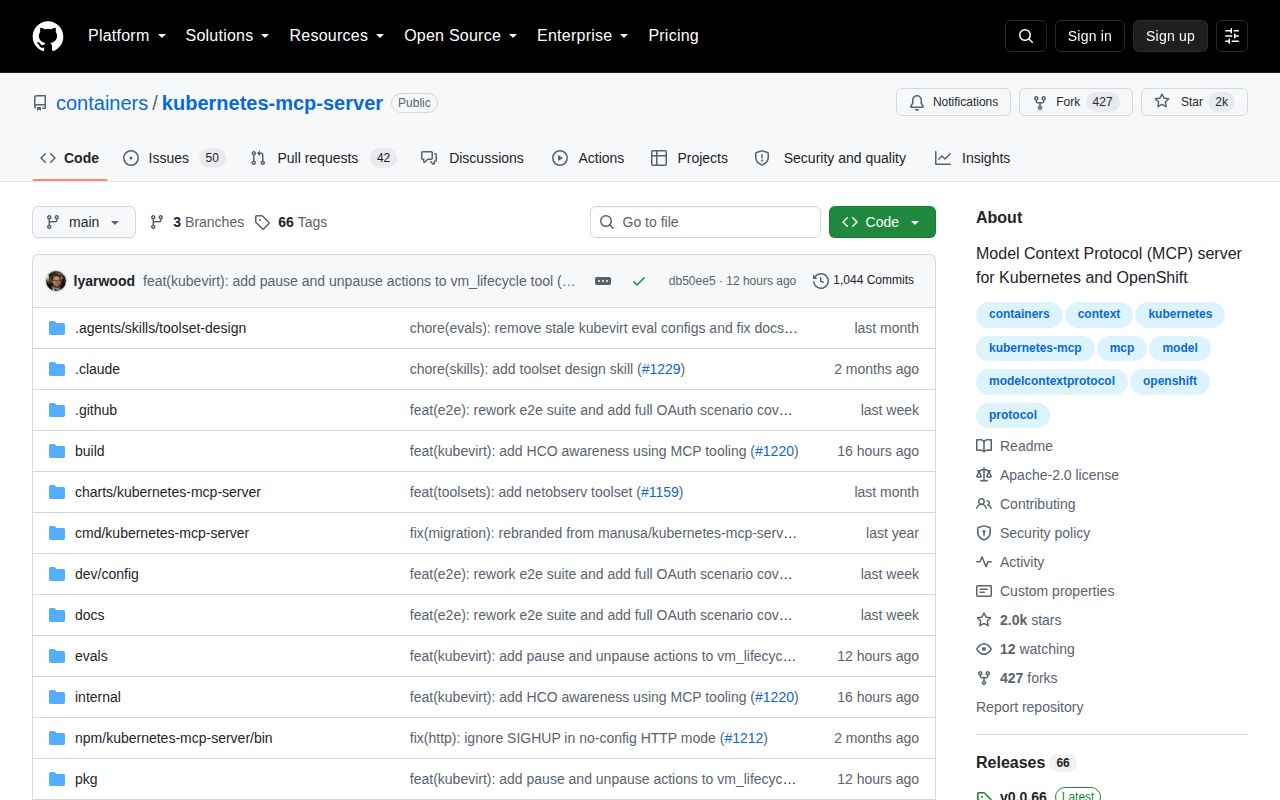
The last push was August 7, 2026, one day before this review. Release v0.0.66 arrived July 31 with MCP specification support, TLS controls, more diagnostics, toolset work, and dependency updates. Open issues and pull requests total 89, and recent issue discussions cover exact production concerns rather than an abandoned support queue. Activity and release cadence are both strong.

Choose Kubernetes MCP Server if you want a native API implementation, wide OpenShift coverage, several distribution formats, and serious configuration options. Skip it if your organization cannot establish a least-privilege identity for an AI tool, or if it expects the MCP server itself to replace per-user authorization. This is capable infrastructure, not a harmless chat extension. Deployed read-only first and expanded deliberately, it can make cluster investigation faster without pretending operational judgment is automatic.

Alternatives

ProjectWhat it isPick it when
MCP Kubernetes ServerA Kubernetes MCP server with kubectl and Helm oriented management tools.pick this instead when you prefer a command-centered server and its client support matches your workflow.
mcp-k8s-goA smaller Go MCP server for reading and managing Kubernetes resources.pick this instead when a narrower Kubernetes tool surface is easier to audit than a growing ecosystem of toolsets.
K8s MCP ServerA containerized bridge to kubectl, Helm, istioctl, and argocd commands.pick this instead when direct access to familiar cluster CLIs, including Argo CD, matters more than a native Kubernetes API implementation.

What people are saying

  1. [github-trending] containers/kubernetes-mcp-server

Sources

  1. Kubernetes MCP Server README
  2. Release v0.0.66
  3. Cluster health prompt timeout report
  4. Per-agent tool scoping request
  5. Resource patch operation request