Kestra 2.0 is an orchestration platform, not a small automation script
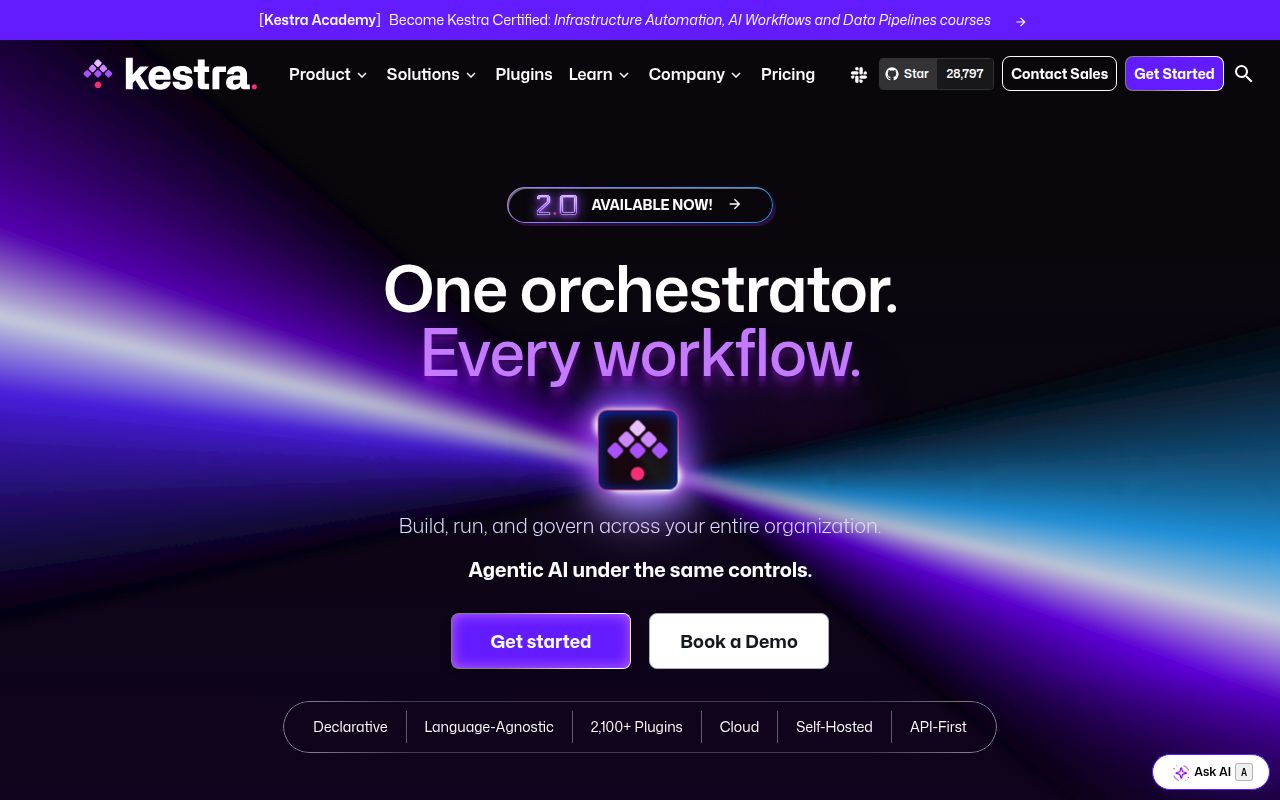
Kestra sits between a scheduler, a visual workflow editor, and a distributed task runner. A flow is declarative YAML whether you write it in the code editor, assemble it in the no-code view, or change it through an API. Scheduled triggers and events feed the same execution model. That makes the product interesting when several teams have outgrown scattered cron jobs and single-purpose workers.
Version 2.0 reaches well beyond basic scheduling. It adds a persistent AI Copilot, AI agent and RAG task types, a built-in MCP server, and Agent Skills for coding assistants. The same release moves workers to a gRPC controller and stores task outputs outside the execution record. Those are platform choices. Adopting Kestra means choosing its control plane, execution semantics, plugin system, storage, and upgrade path together.
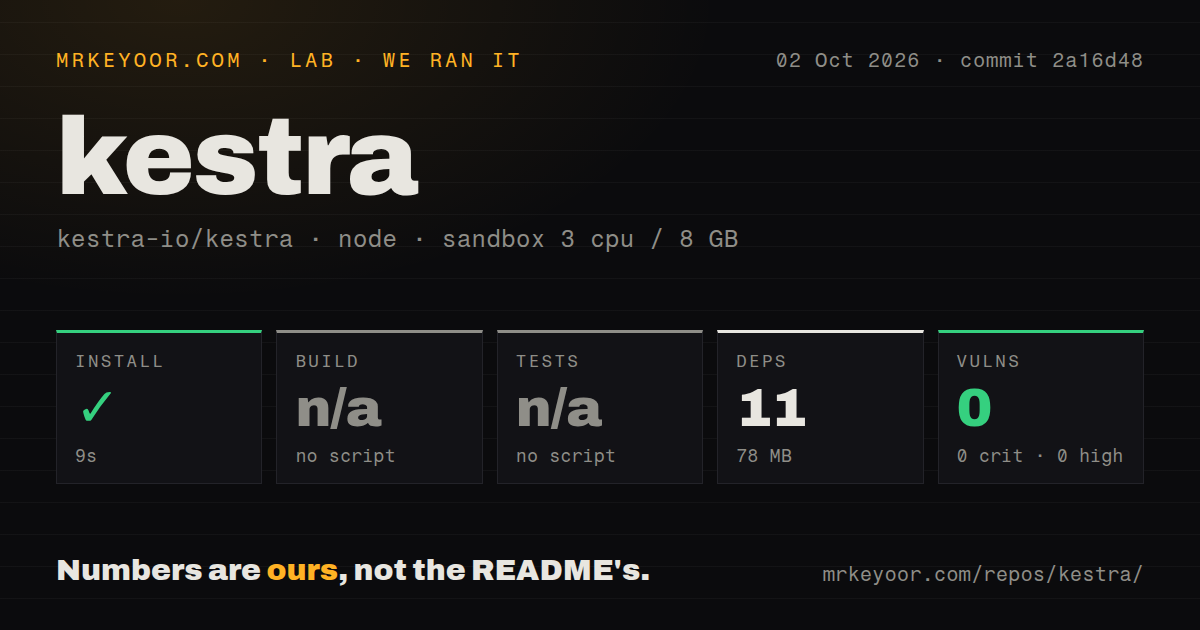
The 9-second npm install covered only the e2e package
Our sandbox cloned commit 2a16d48 and detected the Node project under ./e2e. Npm installed 11 packages in 9 seconds and used 78 MB. That is pleasantly small, but it is the browser-test workspace around Kestra, not the Java server. The full checkout contained 5,592 files, roughly 585,223 lines of source, and occupied 44.4 MB before that install.
This distinction changes the meaning of the result. There was no generic build target in the detected package, so the build step was skipped. There was no generic test target either, so no suite ran. The repository does have a tests directory and 27 CI workflow files. We cannot turn their presence into a passing result, and we cannot call a skipped server build a successful Kestra setup.
The e2e package at that commit declares Node 24 or newer. Our supplied lab-node:22 container still completed npm install, but the version mismatch remains. It may matter when someone runs the e2e commands that our harness did not execute. Pin the supported Node release before using that workspace rather than treating the successful dependency install as compatibility proof.
What happened when we ran it
Our run installed the ./e2e dependencies in 9 seconds: 11 packages and 78 MB on disk. Npm audit found 0 known vulnerabilities across all severity levels. The container had 3 CPUs, 8 GB of RAM, no secrets, and no elevated privileges. Those facts describe one dependency install at commit 2a16d48.
Neither build nor tests ran because the detected npm package exposed no generic target for either step. There is no compiler failure or test log to diagnose. The honest finding is narrower: the e2e dependencies installed, while the main application and the available test estate remained unverified in our sandbox. No performance, workflow throughput, or execution-recovery claim follows from this run.
The Docker quick start asks for root and the host socket
The README offers a much more representative local path: run kestra/kestra:latest-slim on port 8080, backed by named storage and database volumes. The command also runs the container as root, mounts /var/run/docker.sock, and maps /tmp. That may be acceptable on a disposable developer machine. It deserves a security review on a shared host because the trial receives meaningful access to the Docker daemon.
The slim image does not bundle every plugin. With automatic installation enabled, Kestra downloads a plugin from Maven Central the first time a flow needs it. This keeps the initial image smaller, but moves part of dependency acquisition to runtime. Teams with restricted egress or strict artifact approval need to pre-plan the plugin set, decide whether to use the bundled image, and test upgrades with the exact integrations their flows depend on.
An open replay defect can produce a misleading green run
Issue 20113, opened October 1, 2026, describes a failure mode worth reproducing before adoption. After fixing a failed task and replaying from it, the execution can finish as SUCCESS while the later task and the finally block never run. The report says copied error-handler runs can also appear successful. It reproduces on OSS 2.0.1 and a 2.1.0 snapshot, according to the issue.
This is more serious than a cosmetic status bug. A green execution is supposed to tell an operator that the intended work completed. If downstream cleanup or delivery never ran, an external check must catch the gap. The issue remained open with 5 comments on October 3. Until it is fixed and released, test your own replay paths and verify required side effects outside Kestra.
The active 2.0 line still carries migration work
GitHub showed 28,840 stars, 508 open issues, and 292 open pull requests on October 3, 2026. The repository was pushed on October 2, one day before this review, and v2.0.4 shipped September 29. That combination points to active maintenance and a large volume of work, rather than a quiet project whose rough edges have already settled.
The 2.0 changes are substantial. ForEach and ForEachItem become Loop, trigger conditions become when, worker communication moves to gRPC, and the old -no-plugins image name becomes -slim. The README links a migration guide because these are breaking changes. Existing users should inventory flows, plugins, worker layout, and deployment automation before treating the upgrade as a routine patch.
Kestra is a serious candidate when one team must coordinate event-driven jobs and scheduled workflows across many runtimes. Its breadth is also the cost: the 9-second npm result proves almost none of the production path. Start with a representative flow, use your real storage and worker boundaries, then break and replay it. The missing downstream task in issue 20113 is exactly the sort of behavior a glossy first run will not reveal.