Kanata puts programmable layers on ordinary keyboards
Kanata brings ideas associated with programmable firmware to keyboards that cannot run QMK. A configuration can turn any key into a layer switch, combine tap and hold behavior, emit Unicode, run macros, and create leader sequences. Live reload makes iteration possible without restarting for every change. The same configuration language targets Linux, Windows, and macOS, though input drivers and supported behaviors differ by platform.
Our commit 565d507 checkout contained 295 files, about 57,157 lines of source, and occupied 4 MB. GitHub identifies Rust as the primary language. The repository had 5 CI workflow files and no root Dockerfile or tests directory in our scan. Cargo still exposed and ran library tests, so the absence of a directory should not be confused with an absence of tests.
Installation is easy until device access enters the picture
The README offers prebuilt release binaries and a Cargo route using the latest stable Rust toolchain. A plain source build is cargo build; the author notes that release mode is optional because the program is not especially performance sensitive. On Linux and macOS, the direct examples run Kanata with sudo so it can open or intercept device input. Linux users can follow separate instructions to avoid permanent root execution.
Release artifacts vary by CPU, terminal or GUI behavior, command support, and Windows interception method. The cmd action is disabled unless the matching feature or binary variant enables it. On Windows, the lower-level wintercept build needs the Interception driver. On macOS 11 and newer, v1.12.0 requires Karabiner driver v6.2.0. Choosing the wrong binary can look like a broken mapping when the required capability was compiled out.
What happened when we ran it
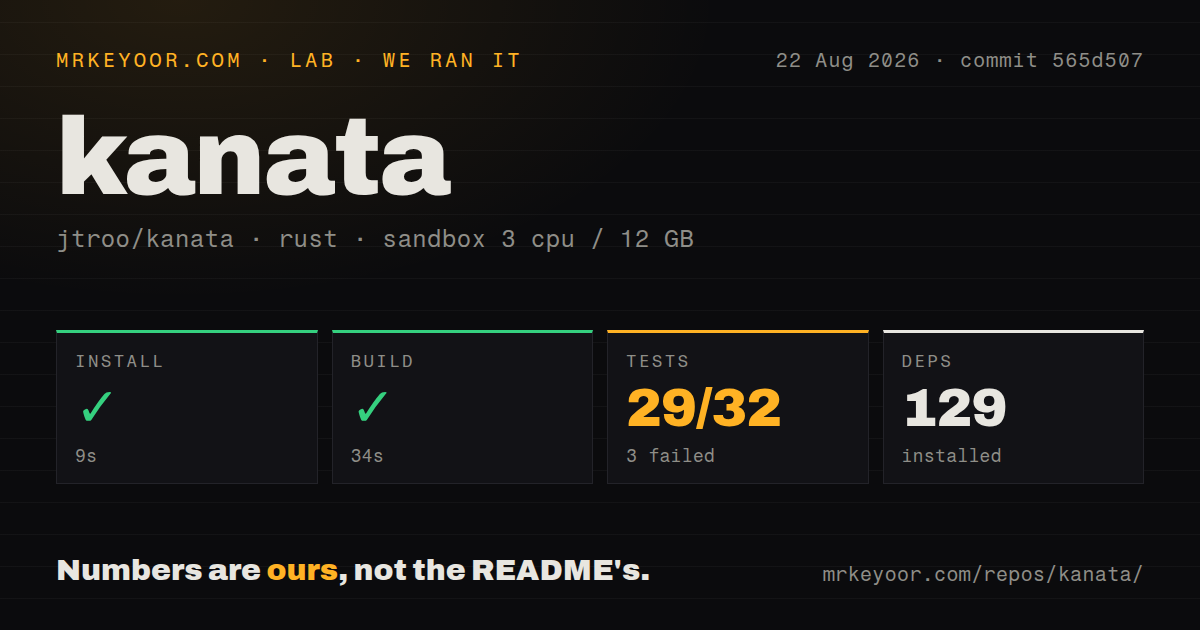
Our sandbox installed 129 Rust packages in 9 seconds and built commit 565d507 in 34 seconds. That is a straightforward compile result for a 4 MB checkout in an unprivileged Debian container with 3 CPUs and 12 GB of RAM. We did not connect a physical keyboard or grant host device access, so the build does not prove interception on Linux, Windows, or macOS.
Tests ended with exit code 101 after 4 seconds. Cargo reported 29 passed and 3 failed out of 32. All three failures were TCP layer-change tests, and each panic said a configuration could not be parsed because a file or directory was missing. The log does not identify why those fixtures were unavailable. The narrow conclusion is that the checked-out suite did not pass in our stated sandbox, despite most cases succeeding.
The process must remain alive to remap input
Kanata does not start itself as a background process. The terminal or window that launched it must stay open unless the user adds platform-specific service or tray handling. The README links to Windows and Linux discussions and to the separate kanata-tray project. That is manageable on a personal workstation, but managed fleets need an explicit startup, restart, logging, and recovery design.
A keyboard remapper also needs a safe escape route. A malformed layer or driver problem can affect the device used to fix it. The wintercept documentation links a known Interception issue that can disable keyboard and mouse input until reboot. Prebuilt Windows variants without command actions or without that driver reduce capability but may better fit a risk-sensitive machine. Test a minimal mapping before enabling complex startup behavior.
macOS has documented gaps in v1.12.0
The v1.12.0 notes say mouse input is unsupported on macOS and two mouse-button actions do not work. They also state that the maintainer does not own macOS devices to validate the instructions and asks users to contribute better guidance. The release includes startup diagnostics and fixes for DriverKit output loss, caps-lock state, lock-screen behavior, and device matching, which shows active attention despite the hardware limitation.
Windows and Linux have their own edges. Linux can use direct device access or a configured non-root path. Windows offers hook-based and Interception-based binaries, and the process may run in a terminal or tray depending on the artifact. Cross-platform in this project means one remapping model across different input plumbing, not identical setup or feature support on all 3 operating systems.
August activity follows a timing-sensitive release
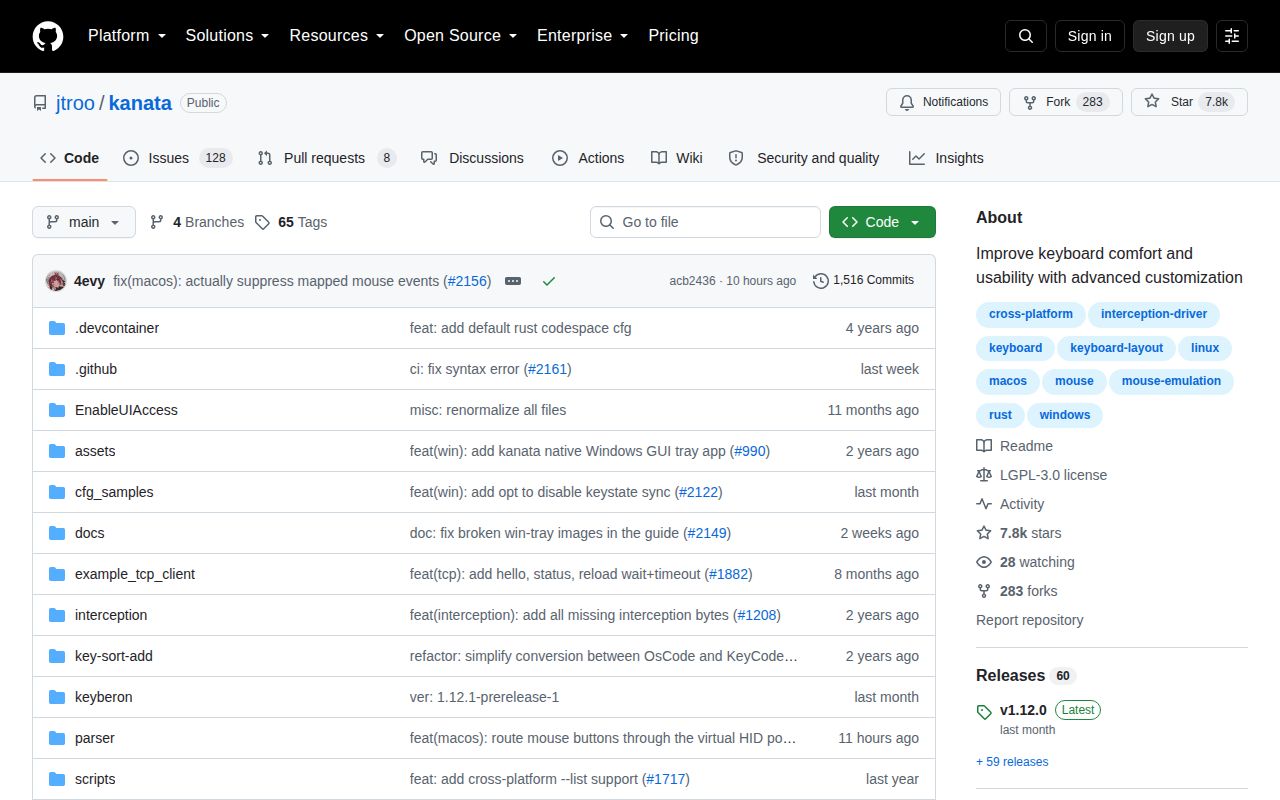
GitHub showed 7,807 stars, 136 combined open issues and pull requests, and a last push on August 26, 2026. Recent activity included a TCP-client feature request, macOS startup failure, touchpad behavior, a chord panic with TCP enabled, and a layer-lock pull request. These are relevant to a tool that handles every keystroke; issue activity should be read by platform and chosen feature rather than reduced to one open count.
Release v1.12.0 arrived July 5, 2026. Its notes call out behavior changes in switch timing, action queues, and chord release ordering because they can alter existing workflows. That candor matters. Users upgrading a working setup should replay important tap-hold, chord, macro, and layer sequences instead of assuming a configuration that parses will behave exactly as before.
Use it when configuration power outweighs driver friction
Kanata offers unusually deep remapping without requiring special keyboard firmware. The configuration guide, samples, simulator, live reload, and release-specific sample file make experimentation approachable. Our 29-of-32 test result is close but still failed, and the missing configuration errors should be resolved before treating this commit as a clean development baseline.
For a technical personal workstation, Kanata is easy to recommend for a careful trial. Keep a recovery keyboard or known-good config, select the release variant deliberately, and test timing after upgrades. On managed machines, the OS permission model and process supervision may cost more than the mappings save. Linux-only users should compare keyd, while teams needing application-aware rules should also inspect keymapper.