One CLI covers most App Store Connect chores
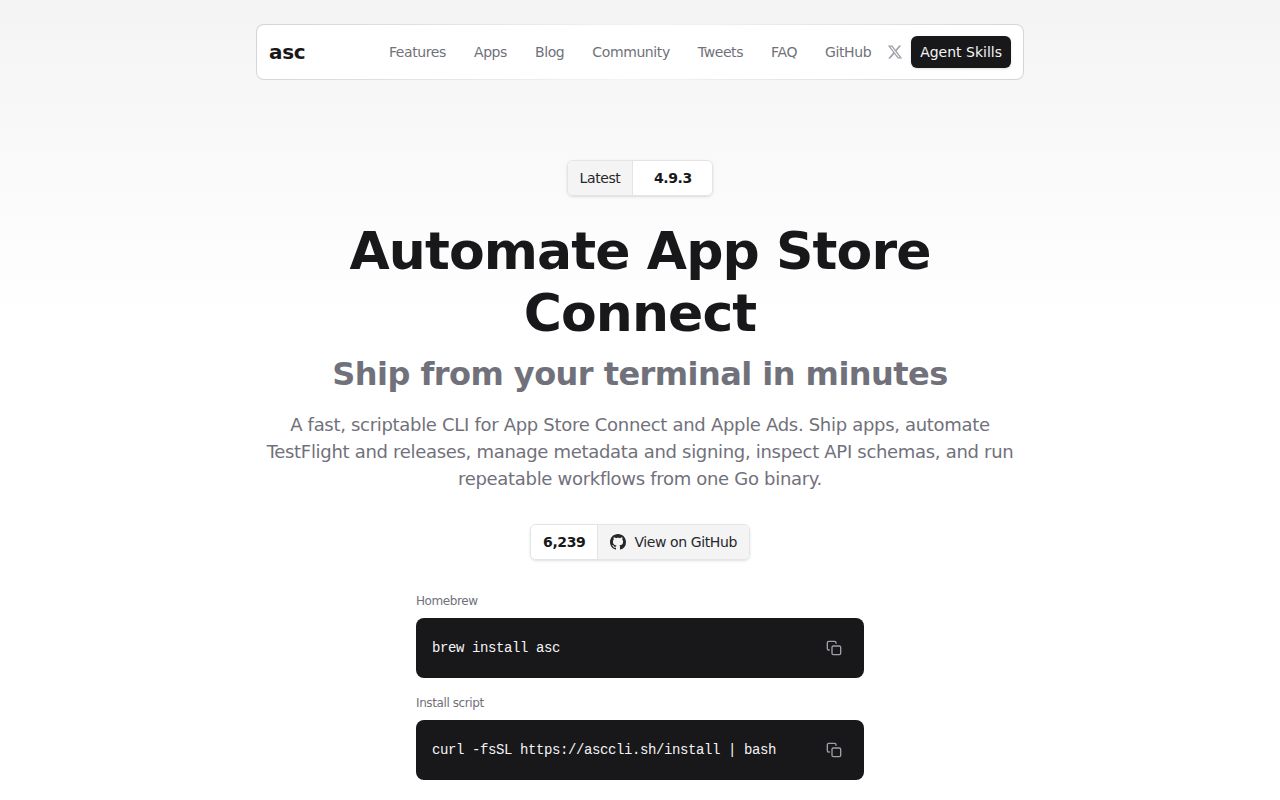
asc gives Apple release teams a single command tree for apps, builds, TestFlight, submissions, metadata, screenshots, signing assets, subscriptions, analytics, Xcode Cloud, and Apple Ads. Interactive output defaults to tables, while pipes and CI receive JSON. That small behavior matters in practice because the same command remains readable at a terminal and predictable in automation. Explicit output flags override the default when a script needs a fixed contract.
The scope goes well beyond uploading an IPA. Teams can stage a release, validate readiness, attach builds to groups, inspect review blockers, synchronize localized metadata, plan screenshot work, and poll status. Many changing operations expose --dry-run or --confirm, and lifecycle labels identify experimental or deprecated commands. This gives reviewers a chance to distinguish a stable automation contract from a feature whose flags may still change.
Authentication needs an Apple API key and careful storage
A normal login requires an issuer ID, key ID, and App Store Connect .p8 private key. On a developer machine, asc can use the system keychain. Headless workers can bypass it and read restricted config or environment values. The documentation includes auth status --validate and auth doctor, which are better preflight checks than discovering a bad credential halfway through a release.
Credential boundaries multiply with the command surface. Apple Ads uses its own OAuth material and ad-account context. StoreKit Retention Messaging uses a dedicated In-App Purchase API key and bundle ID. The contribution guide also describes optional integration tests against the live App Store Connect API. CI owners need separate secret sets, narrow Apple roles, protected logs, and a rule that no .p8 file enters the repository.
What happened when we ran it
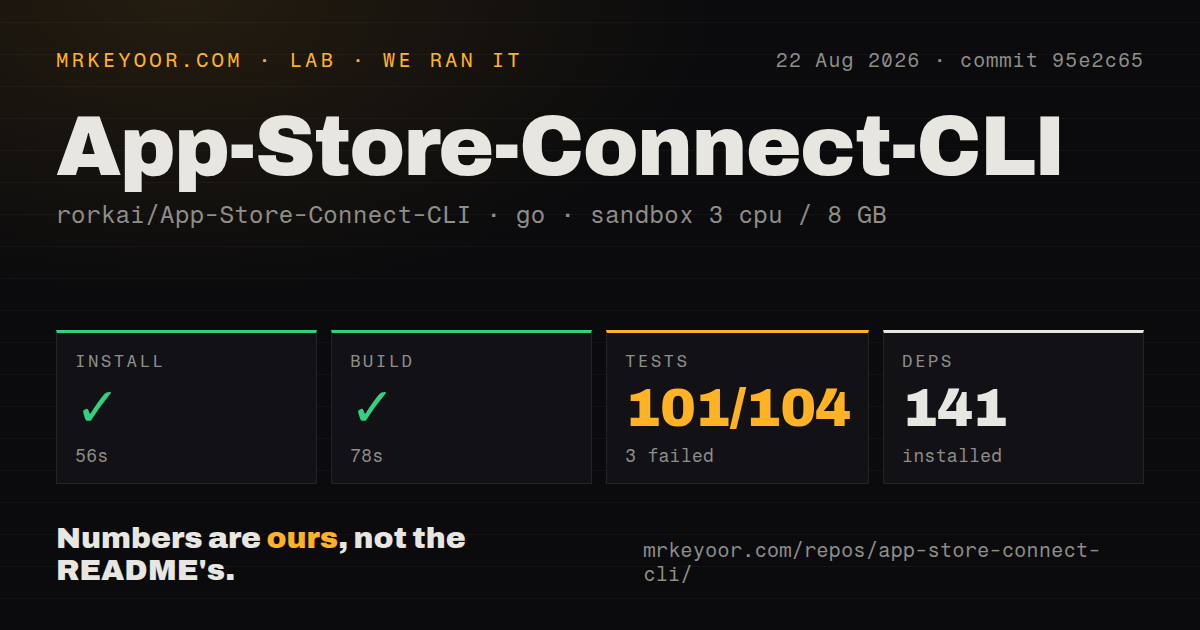
Our sandbox installed commit 95e2c65 in 56 seconds and fetched 141 Go packages. The build completed in 78 seconds. The repository contained 2,455 files and roughly 760,141 lines of source in a 37.5 MB checkout. It had 9 CI workflow files, no Dockerfile, and no top-level tests directory because Go tests are stored beside the packages they cover.
The test command failed after 374 seconds with 101 passed and 3 failed out of 104. The tail showed the telemetry package failing, though it did not include the individual assertion. It also named an Xcode test, TestRunXcodebuildDoesNotWaitForDescendantHoldingOutputPipes, which reported that the function waited 2.931116182 seconds after the direct process exited. We cannot assign a cause beyond what that output states.
This was a source-tree check in an unprivileged Debian container with 3 CPUs and 8 GB of RAM. It did not authenticate to Apple, upload a build, invoke Xcode, modify metadata, or submit an app. The result says the code compiled and most tests passed on Linux, while 3 did not. A release pipeline should add a macOS smoke test around the exact archive, export, upload, and status commands it uses.
Xcode work stays on macOS while API work travels
Released binaries are available for macOS, Linux, and Windows, and they do not require Go. App Store Connect API calls and uploads can therefore run on a headless non-Mac worker when the artifact already exists. The Windows path is less polished: the README says its WinGet package is still awaiting acceptance and points users to signed release downloads until winget search asc finds it.
Building the artifact is different. The documented Xcode path can inject version values, compile a scheme, archive, create export options, export an IPA or PKG, upload it, and monitor TestFlight. Manual signing resolution is Darwin-only because it inspects local identities and profiles. Teams can split the pipeline, using a Mac for build and signing and another trusted worker for App Store API calls, but that split needs secure artifact transfer.
Agent skills are pinned, but agents still need approval
The install-skills command checks out a reviewed commit of a separate skills repository and installs 23 entries. It verifies the pack, preserves unrelated skills, pins lock entries to the same commit, and rolls back failed replacement. The companion repository can also be installed as a Claude Code plugin. That is much safer than asking an agent to scrape current flags from a moving README each time.
Skills do not make release actions harmless. An agent can still select the wrong app ID, locale, TestFlight group, build, or submission state. The CLI's dry runs, JSON output, validation commands, and confirmation flags provide useful control points. A sensible agent policy allows reads and plans freely, then requires a person to approve metadata application, signing changes, tester distribution, upload, cancellation, or App Store submission.
Same-day releases show unusually active maintenance
GitHub recorded a push on August 26, 2026, and release 4.9.3 was published that day. The repository had 6,239 stars and 15 combined issues and pull requests when fetched. That release fixed behavior in subscriptions, reports, Game Center, TestFlight metrics, and encryption checks, which shows maintainers are working across the broad command set rather than only adding new verbs.
The open issue list was small, but issue 2190 identifies a useful limit in metadata validation: a Support URL can be syntactically valid and return successfully while landing on the wrong page. No CLI can judge every store asset or policy decision. Use asc to make the process repeatable, then keep human review for public copy, links, screenshots, pricing, and the final submission. The 101 passing tests make it credible; the 3 failures say to verify the slice your release depends on.