Official Bitwarden clients can use your own server
Vaultwarden implements the Bitwarden Client API in Rust, so users keep the official browser extensions, desktop programs, and mobile apps while pointing them at a server they control. The feature list covers personal vaults, attachments, Send, organizations, collections, groups, policies, event logs, directory sync, emergency access, and several forms of two-factor authentication. A modified Bitwarden web vault is bundled with the published containers.
That compromise makes sense for a household or small organization. Password-manager clients touch every browser and phone, which makes a wholesale switch disruptive. Vaultwarden changes the server side instead. The code carries an AGPL-3.0 license, and the maintainers explicitly aim it at individuals, families, and small organizations.
Compatibility is also an ongoing duty. Vaultwarden is not associated with Bitwarden, and users must report its problems to the Vaultwarden community. When official clients change their API expectations, the server may need a matching update. Release 1.37.2, published August 22, 2026, says it is required for client version 2026.8.0 and newer.
What happened when we ran it
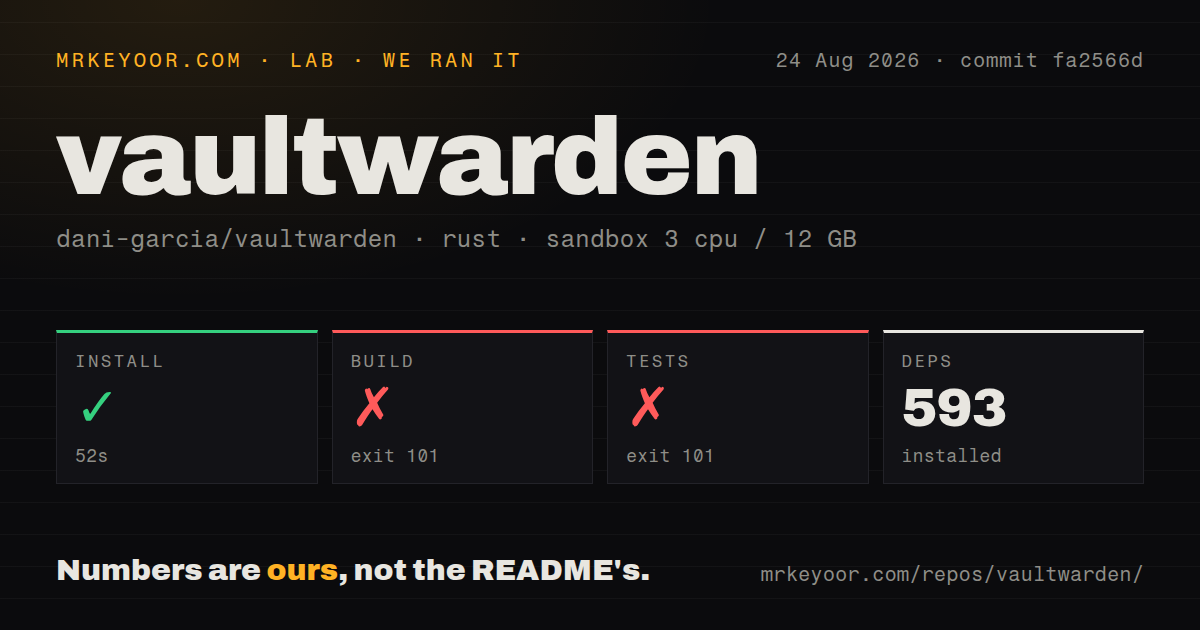
Our sandbox cloned commit fa2566d into an unprivileged container with 3 CPUs, 12 GB of RAM, no secrets, and the lab's Rust image. The checkout contained 557 files, about 67,425 lines of source, and occupied 3.3 MB. Dependency installation succeeded in 52 seconds and installed 593 Rust packages.
A plain Cargo build did not pass. After 125 seconds it exited with code 101 while compiling Vaultwarden. The final error came from build.rs: a database backend must be enabled. It gave cargo build --features sqlite as the command for the previous default behavior. The log identifies a missing feature selection rather than an unknown compiler crash.
The test command failed after 28 seconds with exit 101 for the same reason. Its log reached compilation and printed the same database-backend requirement. We did not rerun either command with SQLite or another backend, so our run does not show whether a feature-selected build or its tests pass. It does show that a contributor using plain Cargo stops before application tests can run.
The repository has 8 CI workflow files and a Dockerfile, but no top-level tests directory. Rust tests can live beside the code, so that layout is not a coverage measure. The failed command above is the only test outcome we claim.
The published container avoids the Cargo feature decision
Vaultwarden recommends images from GitHub Container Registry, Docker Hub, or Quay. Its minimal example sets the public domain, binds the service to localhost, and mounts /data from the host. That persistent directory sits at the center of the backup plan. Losing it can mean losing vault data and attachments, and the README tells operators to back up files and the database.
The web vault needs a secure browser context for Web Crypto, which means HTTPS outside localhost. The README recommends putting Rocket behind a reverse proxy instead of using its built-in TLS support. A public deployment therefore includes DNS, certificates, proxy headers, an update policy, and restore testing even if the application container starts with one command.
Source builds expose a deliberate choice. Vaultwarden supports more than one database backend, and our 125-second build log shows that none was selected by the plain command. The error is direct and gives SQLite as one route. Normal operators will find the published image less surprising because it also includes the modified web client.
S3 users should stage the 1.37.2 upgrade
The server covers more than personal password storage. Organizations can share collections, assign roles, synchronize directories, reset member passwords under policy, and record events. Authentication options include authenticator apps, email, WebAuthn, YubiKey, and Duo. Each enabled service adds configuration, recovery work, and sometimes external credentials.
Open issue 7630 reports that the optional S3 data-folder path in 1.37.2 fails during startup because no default HTTP transport is installed. The report describes a PostgreSQL and S3 source build, and says 1.37.1 worked with the same recipe. That is a narrow configuration, not evidence that the standard container path fails. It is enough reason for S3 users to test startup and access to stored attachments before upgrading.
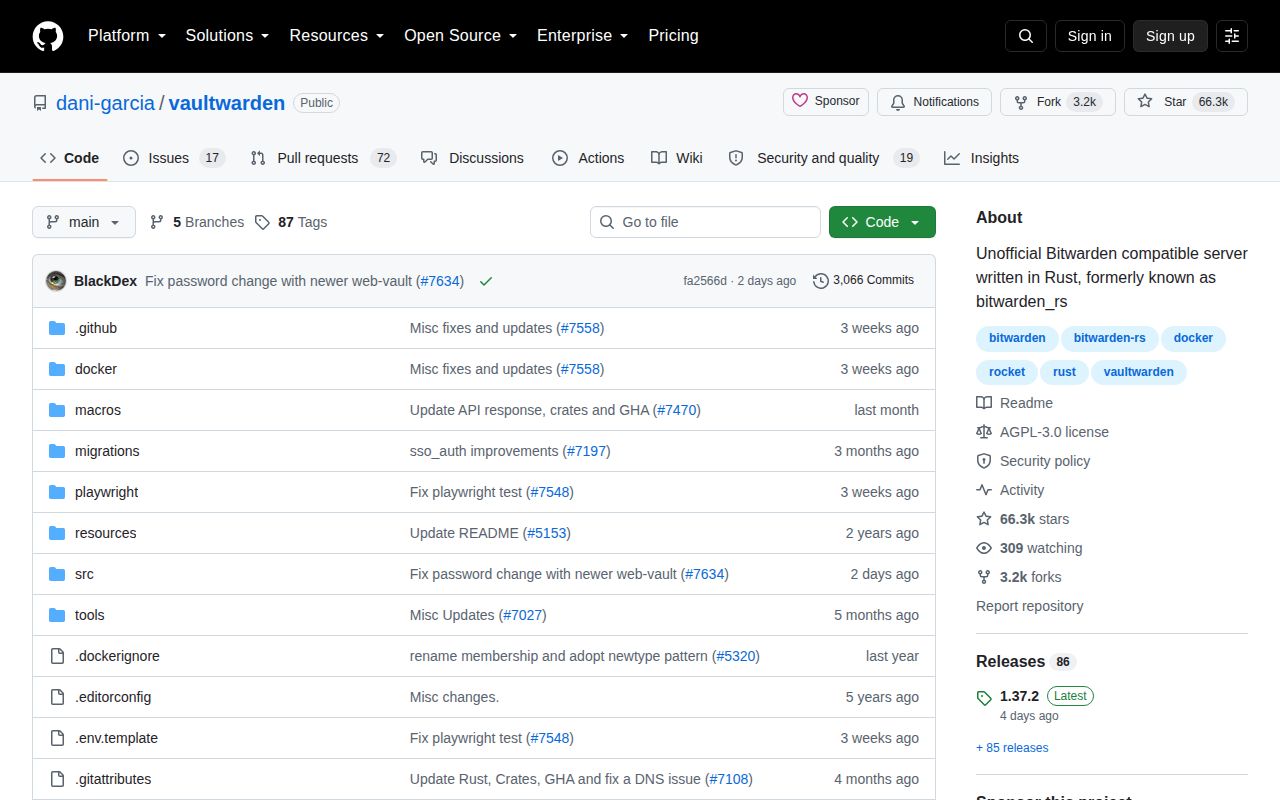
GitHub recorded the last push on August 24, 2026, two days after release 1.37.2. The repository had 66,275 stars and 89 open issues and pull requests when fetched. Those numbers point to an active project with a sizable support surface; the combined open count is not a bug count. The release fixed cross-linking and a Playwright test while updating client compatibility.
Self-hosting a password vault means owning recovery
Vaultwarden is mature enough for careful self-hosters, but password storage punishes casual operations. A successful login does not prove that backups restore, attachments survive, email recovery works, or a newly updated phone can still talk to the server. Those checks belong in every upgrade routine.
For a family, nonprofit, or small technical team, that maintenance can be a fair price for one server and the official Bitwarden clients. A company that needs a vendor to own incidents should run the official Bitwarden server or buy its hosted service. Vaultwarden suits administrators who accept that ownership before a failed login forces the lesson.