Cap moves the challenge from the person's eyes to the device
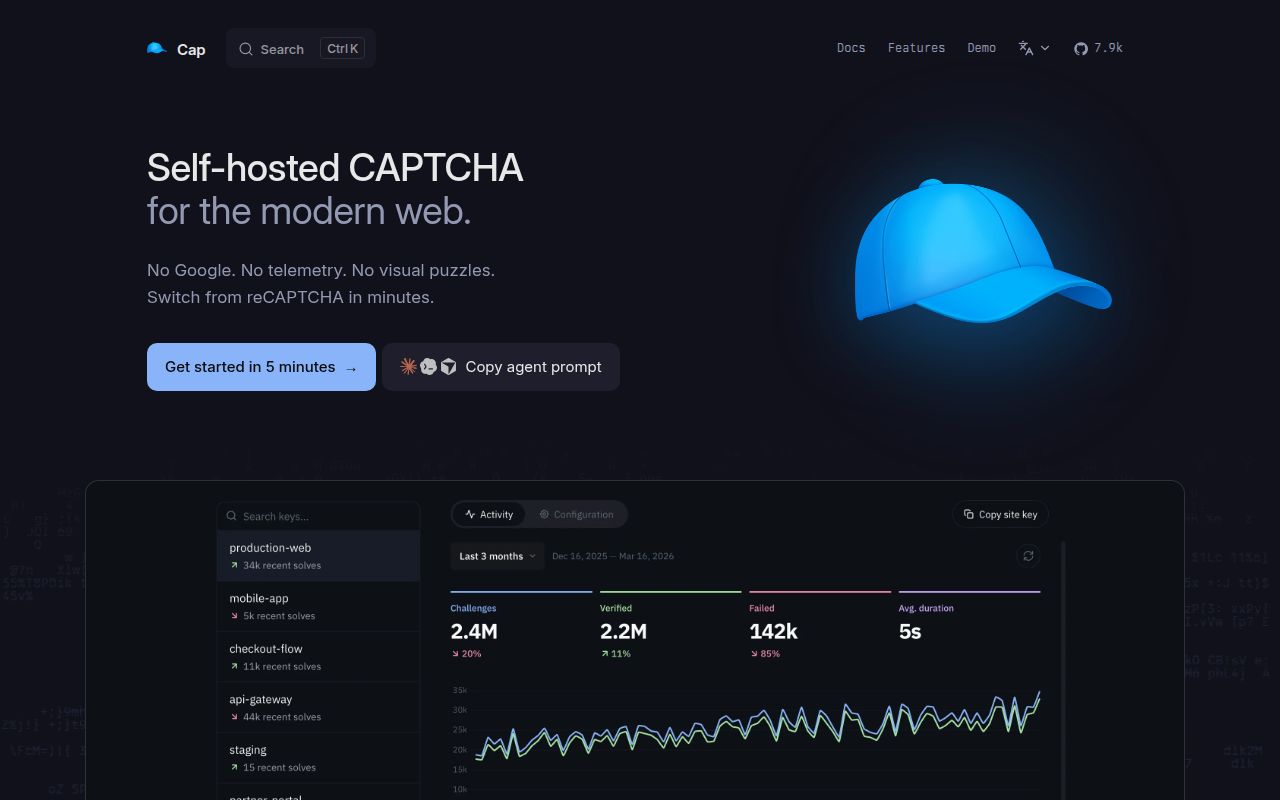
Cap replaces image grids with computational work. The widget requests a challenge, solves it in the browser, and returns the solution to your server for verification. Its default HashWX protocol is designed to reduce the advantage specialized hardware gets over ordinary client CPUs. Optional instrumentation also runs generated JavaScript against browser APIs and sends the result back for server-side checks. A successful redemption becomes a token your application can trust for a limited period.
That design has a clear privacy benefit. The README says Cap sends no telemetry to a central service, and a self-hosted instance keeps the challenge path under your control. The widget can run visibly or in the background, while CSS variables cover its presentation. Cap's Apache-2.0 license is stated in both the README and the core package. You still need a policy for how much client work is acceptable on the devices your users carry.
The 144-test core is only one part of the deployment
The repository separates a stateless capjs-core library from the recommended Standalone server. Core generates signed challenge JWTs and validates returned solutions. It can run in an existing JavaScript service, Lambda, or an edge worker. Replay prevention is deliberately yours to supply through a nonce callback backed by Redis, Cloudflare KV, Postgres, or another store that can atomically reject a second use.
Standalone is the batteries-included route. Its Docker Compose example runs Cap beside Valkey, exposes port 3000, and uses an admin key for the dashboard. You create site and secret keys there, point the widget at the public instance, then call /siteverify from your backend. Instrumentation is enabled for new keys. This path is easier than assembling core, though it adds an Internet-facing service and persistent store to operate.
What happened when we ran it
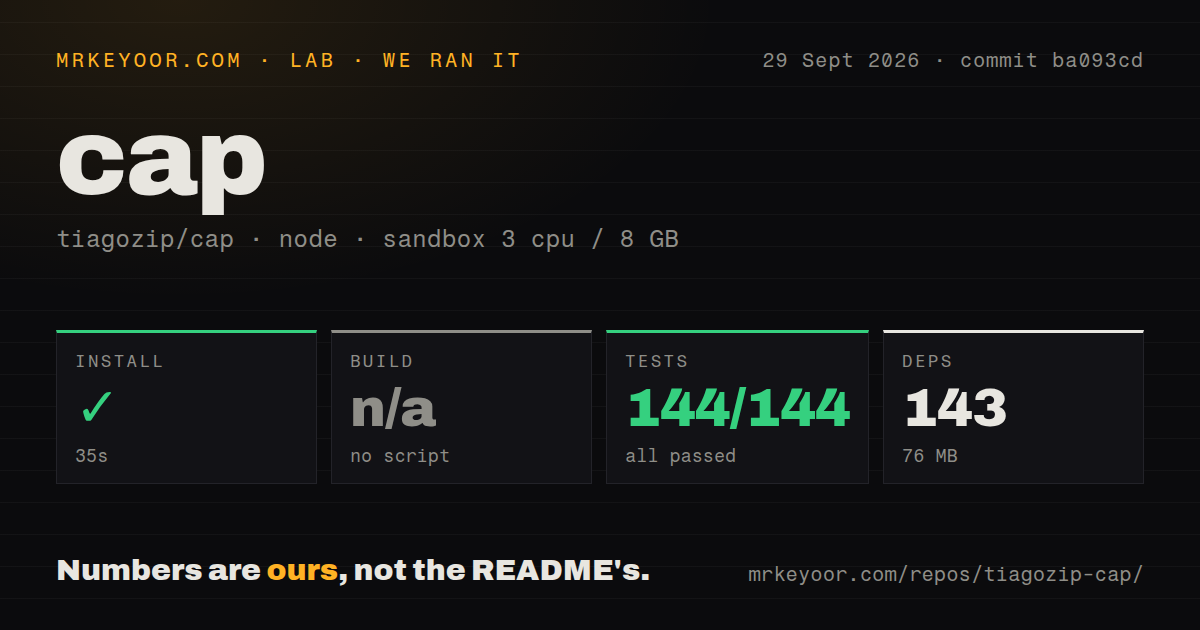
Our sandbox tested commit ba093cd in the repository's ./core/ project. Installation took 35 seconds, added 143 packages, and occupied 76 MB. The package defines no build script, so the build step was skipped rather than passed or failed. bun test completed in 10 seconds with 144 passed and 0 failed. The container was unprivileged, had 3 CPUs and 8 GB of RAM, and held no secrets.
The measured checkout contained 622 files, about 27,202 lines of source, and used 4.7 MB before installation. It had 3 CI workflow files and a tests directory; our scan reported no Dockerfile at commit ba093cd. These results say the core development path is healthy in that environment. They do not test Standalone, Redis, the widget in real browsers, challenge effectiveness, or the cost imposed on client devices.
Standalone needs a trusted proxy and a real store
Cap rate-limits challenge endpoints by client IP, with the proxy address used as a fallback. The options guide warns that X-Forwarded-For is trusted as received. If attackers can reach Standalone directly, they can spoof that header and avoid the intended bucket. The safe layout keeps the service private behind a reverse proxy that overwrites the forwarding header with the actual remote address.
Redis or Valkey stores the Standalone data. The current release adds separate liveness and readiness routes, with readiness checking the data store, and handles termination by finishing in-flight requests before closing Redis. Those are practical production details. Operators still need backups, secret rotation, a fixed widget and WASM version, CORS settings, and a decision about where optional IP databases are stored. The docs discourage using latest asset versions in production.
Cap documents the bypasses its browser checks miss
The instrumentation guide names 7 checks that can block a request, including navigator.webdriver, contradictory browser APIs, headless tokens, and suspicious geometry. It also names the gaps: headful stock Chrome controlled by undetected-chromedriver or nodriver can pass, and headless Firefox can pass. Cap treats instrumentation as an extra cost layer beside proof-of-work rather than proof that the visitor is human.
That candor matters because CAPTCHA effectiveness is never absolute. Proof-of-work makes abuse more expensive; it does not make automation impossible. HashWX also requires WebAssembly. Clients without it need a site key configured for SHA-256, which has a pure JavaScript fallback. Teams serving old browsers, locked-down WebViews, Tor Browser, or mixed-display desktops should test their real traffic before switching enforcement on.
September's 3.1.13 release shows active operations work
GitHub showed 7,894 stars and 6 combined issues and pull requests on September 29, 2026. The repository was pushed on September 24, one day after standalone@3.1.13 shipped health checks and graceful shutdown behavior. An open pull request was updated on September 29, so the low queue is accompanied by current development rather than silence.
One open request deserves attention from security-conscious self-hosters. Issue 320 says the Docker image is manually published outside GitHub Actions and asks for CI builds, provenance, an SBOM, and immutable version tags. The report does not claim the image is compromised. It identifies a missing auditable link between source, release, and container. Until that changes, pin a digest, inspect the image, or build from the reviewed source.
Cap is strongest when a team wants privacy and accepts that anti-abuse is an economic control. Our 144 passing tests make core worth a trial. The production decision belongs in browser and abuse testing: verify the client experience, the proxy boundary, replay protection, and the exact container you deploy. If those checks are too much ownership, a managed CAPTCHA remains the simpler trade.