Pocket ID v2 makes passkeys the whole login policy
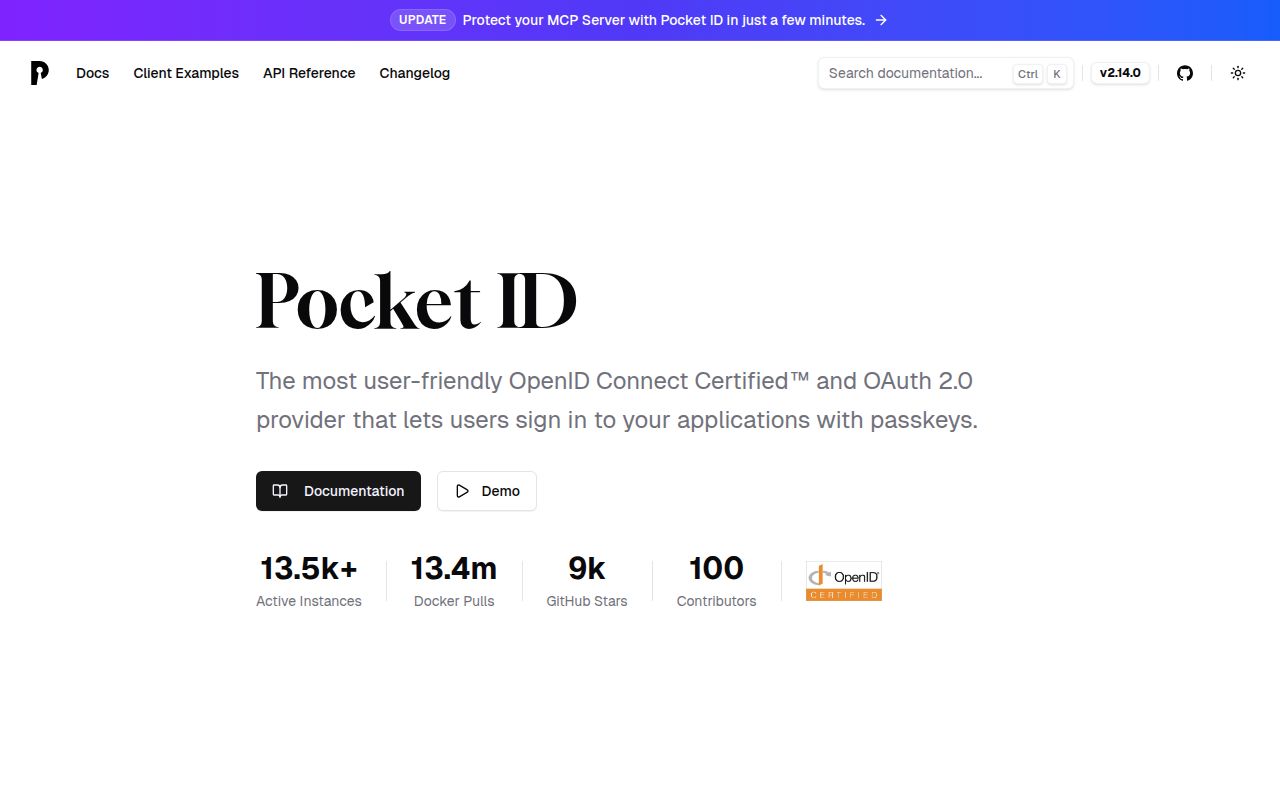
Pocket ID v2.14.0 is an OpenID Connect and OAuth 2.0 provider built around one firm choice: every user signs in with a passkey. There is no password database to migrate and no password fallback to manage. Applications see a normal identity provider, while users approve sign-in with a platform authenticator or a hardware token such as a YubiKey. That narrow policy is the appeal. It is also the first reason to reject the project if an organization cannot make passkeys universal.
The product covers more than a bare login screen. Pocket ID can restrict an application to selected groups, synchronize users and groups from LDAP, provision accounts through SCIM, record audit events, and expose an administrative REST API. OAuth resource indicators let a client request access for a named API and its scopes. The project also advertises metadata-based clients, which can reduce manual client registration for compatible software. This is enough identity machinery for many home labs and small internal fleets without inheriting every Keycloak concept.
A 778 MB source install is separate from the short Compose deployment
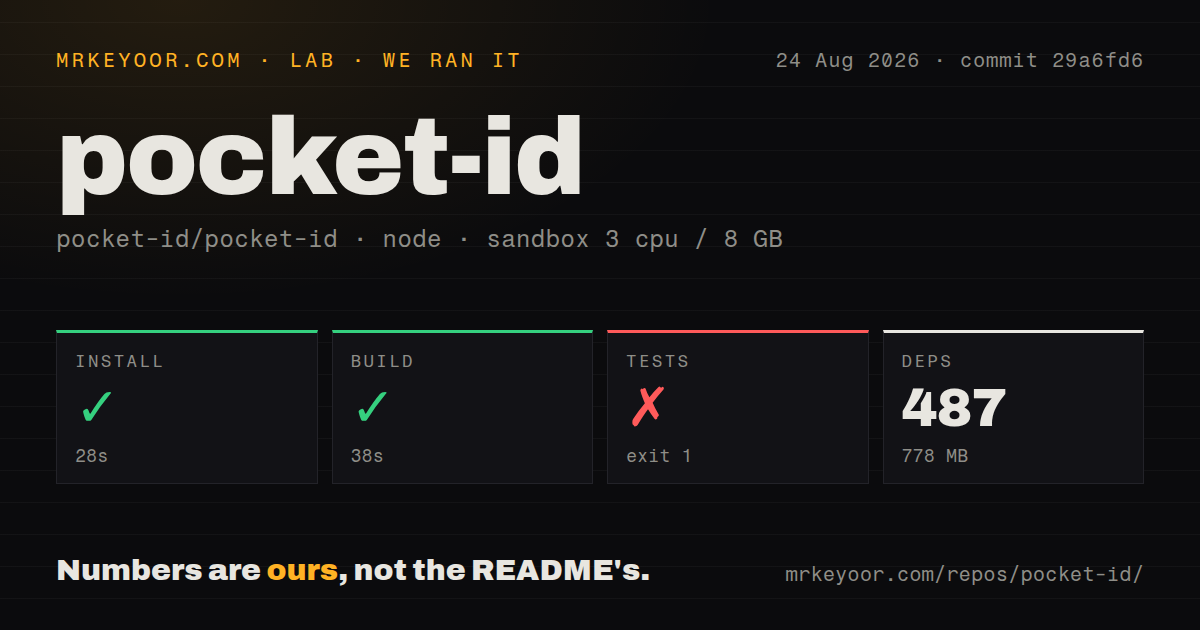
Our sandbox cloned commit 29a6fd6, installed 487 pnpm packages in 28 seconds, and occupied 778 MB after installation. The checkout itself contained 1,199 files, about 85,721 source lines, and used 5.8 MB. That source workflow is for building the frontend and running the Playwright suite. An operator following the README would usually start the published v2 container through the supplied Compose file instead.
The Compose example maps port 1411, mounts ./data at /app/data, reads an environment file, and includes an optional health check. Two values carry most of the initial responsibility: APP_URL must be the public Pocket ID address, and the encryption material must be generated and stored safely. The example accepts the secret directly or through a file. A reverse proxy and trusted HTTPS name still belong to the operator, and changing that public origin later can disrupt passkey assumptions tied to the site.
What happened when we ran it
Our run installed 487 packages in 28 seconds and built successfully in 38 seconds. The repository is a pnpm workspace containing the frontend and a separate tests package. We found 8 CI workflow files, a tests directory, and a Compose file. The scan found no root Dockerfile, even though Pocket ID publishes container images and keeps Docker-related material elsewhere in the tree. Those signals describe the commit we tested rather than the contents of every release artifact.
The test command failed after 10 seconds. Playwright named 2 failed specs: CLI export and the authentication setup fixture. It then reported that 182 tests did not run, and pnpm stopped at the tests workspace with exit status 1. The log tail does not show the underlying exception for either failure, so it cannot support a claim about missing browsers, services, or credentials. The defensible finding is that the full suite did not complete in our fresh unprivileged container.
That result matters more for an identity provider than it would for a static utility. Before adoption, run a complete browser flow on the intended domain: enroll a passkey, sign in to an OIDC client, recover administrative access, rotate a client secret, and verify logout. Our 38-second build says the code compiled. It says nothing about whether a particular reverse proxy, authenticator, or relying party behaves correctly with the deployed origin.
Passkey simplicity trades away password fallback
Pocket ID only supports passwordless authentication. That removes password reset mail, password hashing policy, and credential stuffing against a password form. It also means account onboarding and recovery depend on users having suitable authenticators and administrators having a practiced recovery route. A competent team may prefer that trade. Another may be unable to accept it because contractors, shared terminals, recovery policy, or regulated support procedures still assume a second login method.
The project supports signing in from another device by scanning a QR code and approving the request where the passkey lives. That helps when the service is open on a device without the right authenticator. It does not turn passkeys into an optional layer. Compare the operating policy with the actual user population before migrating applications, especially when losing access to Pocket ID would also block access to the tools used to repair it.
Horizontal scaling is still an open requirement
GitHub showed 91 open issues and pull requests and a last push on August 26, 2026. Release v2.14.0 arrived on August 18 with multiple client secrets, RFC 8414 authorization metadata, API grants for metadata-based clients, and several fixes. The repository is plainly active. The combined open count is not a count of bugs, so health is better judged by that recent release work plus current issue discussion.
Issue 1549 remains the tracking item for high availability and horizontal scaling. That gives a clear boundary for buyers: a single Pocket ID deployment can be entirely reasonable for a home lab or a small company, but teams demanding multi-node failover should verify the current architecture instead of inferring it from OIDC certification. Keycloak or ZITADEL fits a wider identity program. Pocket ID fits the operator who values a passkey-only policy enough to keep the deployment deliberately small.