One linked-device service exposes REST, webhooks, and MCP
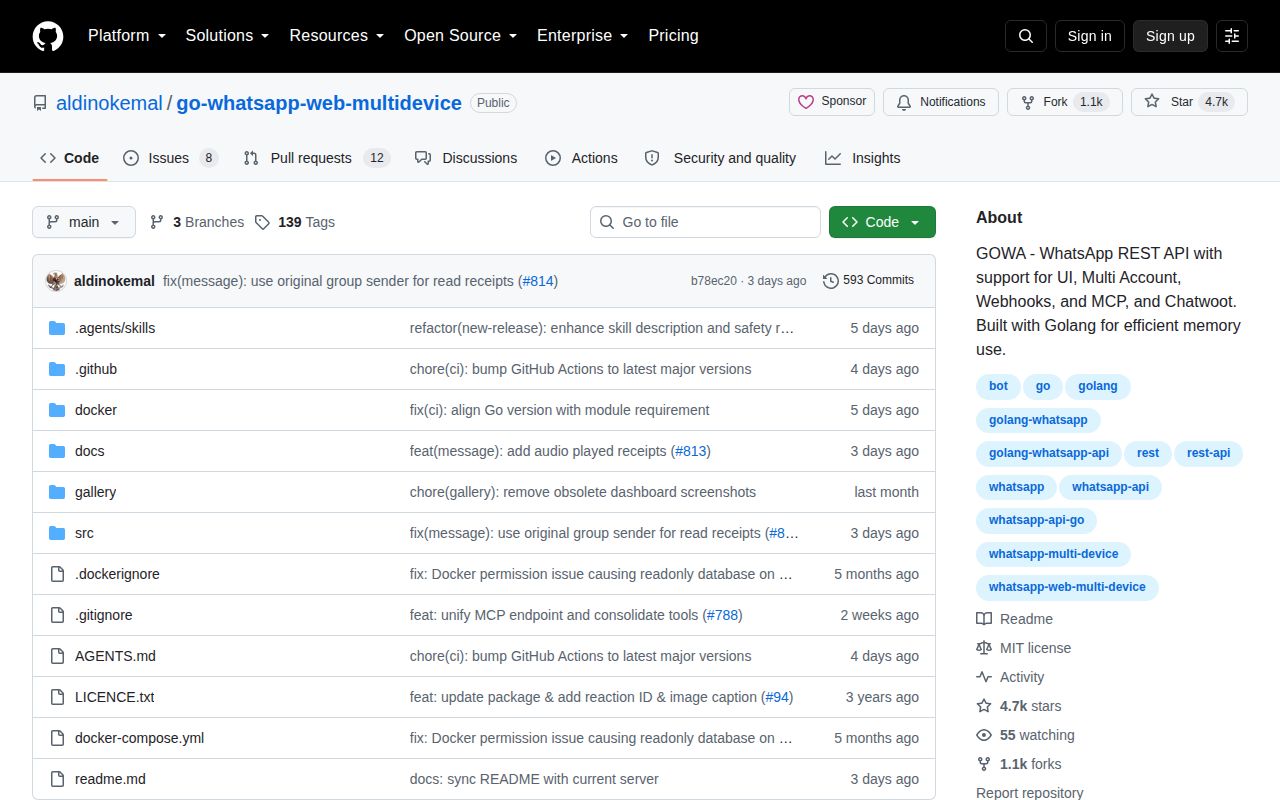
GOWA connects to WhatsApp as a linked device, then exposes that session to software. Its REST API sends text, media, documents, stickers, locations, contacts, polls, links, and forwarded messages. It can react, edit, revoke, delete, star, mark read, list chats, manage groups, publish status, and send received events to webhooks. Version 8 added several accounts in one server with device-scoped requests.
Version 9 put the MCP endpoint into the same rest process. Five consolidated tools cover sending, message actions, chat reads, group administration, and login or status work. An MCP connection can select an account through X-Device-Id, and individual calls can override that choice. An agent may send files, remove group participants, revoke messages, or log out a device, so the tool surface needs strict account boundaries.
The project also has a community n8n node, per-device webhooks, and a substantial Chatwoot integration. That saves glue for a small internal inbox or alerting system. It also increases the number of credentials, stores, and network routes that must be secured.
What happened when we ran it
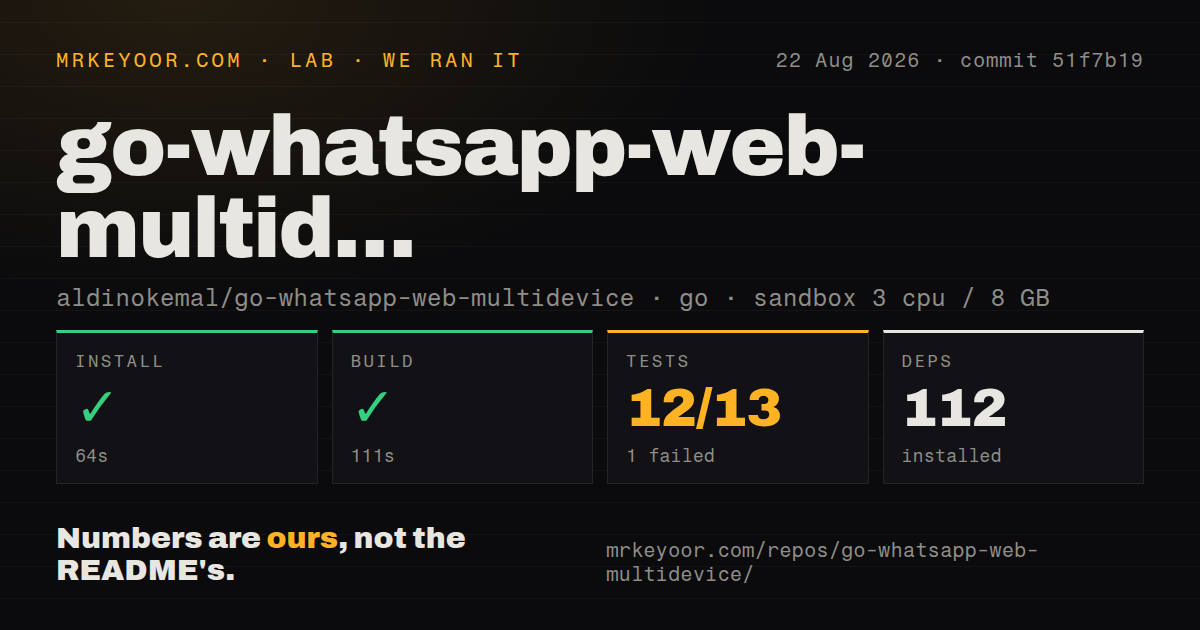
Our sandbox installed 112 Go packages in 64 seconds and completed the build in 111 seconds. The checkout at commit 51f7b19 contained 269 files, about 54,636 lines of source, and 3.1 MB. The Go project lives under ./src/. We found 3 CI workflow files, no Dockerfile, and no tests directory in the measured checkout.
Tests ran for 439 seconds and exited with code 1. The package summary counted 12 passed and 1 failed out of 13. The supplied tail shows successful results for utilities, MCP, OAuth, REST, middleware, use cases, and validation, with several packages reporting no test files. It then prints only FAIL; the failing package and assertion are absent.
The finding is limited: the build passed, but the full test command did not. We cannot attribute the failure to WhatsApp connectivity, credentials, OAuth, or a particular package because the output does not say. A source adopter should rerun the suite with complete logs before deciding whether the failure applies to their environment.
Docker shortens setup but does not secure the account
Source use starts under ./src/ and requires Go 1.26.0 or newer. FFmpeg and WebP tools handle media conversion and animated stickers. Docker avoids installing them on the host. Either route still needs phone pairing, persistent WhatsApp state, and a plan for session loss or re-pairing.
Basic authentication is optional, so set it before exposure. Outgoing webhooks use HMAC-SHA-256, but the documented default signing key is secret; change it and verify signatures. Automatic incoming-media download defaults to enabled. Disable it when unnecessary, enforce size and retention limits, and scan files before downstream systems open them.
Browser WebSocket clients may put base64 Basic Auth in the URL because browsers cannot attach the header. URLs can land in proxy logs. TLS protects transit but does not remove query strings from logs, so access logging and credential scope need deliberate configuration.
OAuth protects MCP and leaves REST on Basic Auth
MCP OAuth 2.1 is optional for remote clients that cannot send a Basic Auth header. The README says OAuth applies to /mcp; it does not authenticate REST or the dashboard. Release v9.2.2 corrected middleware scope so enabling MCP OAuth no longer blocked the browser's Basic Auth prompt on UI and REST routes.
Device selection is an authorization concern. If one credential can choose any device_id, it can act through every linked account. Separate credentials, network policies, or service instances may be necessary when accounts belong to different teams. CORS origins accept any origin when left empty, another default to tighten before a remote UI is connected.
The dashboard now lives in a separate repository. By default, the server checks its latest release, verifies a digest, caches it, and serves it. Controlled deployments should disable automatic updates or pin the expected SHA-256 value rather than combine a pinned server with a changing frontend.
Unofficial access is the main operational limit
The README says GOWA is unofficial and recommends the official WhatsApp Business Platform for supported production integration. WhatsApp can change web protocol behavior, linked-device rules, or anti-abuse enforcement without offering this project a compatibility contract.
Issue 777 reports error 463 when a newly added number tries to initiate a message. The report describes a server-side reach-out timelock. An unofficial API cannot promise to bypass platform enforcement, and a cold outreach design is exposed because its purpose conflicts with provider control over first-contact messaging.
Major versions also change contracts. Version 8 required device scoping for multi-account calls and added device_id to webhooks. Version 9 removed standalone MCP mode, changed its route, consolidated tools, and moved the dashboard. Pin versions, replay REST and webhook fixtures in staging, and confirm that each linked account still sends and receives after upgrades.
Active maintenance supports experiments, not a service guarantee
GitHub showed 4,683 stars and 20 combined open issues and pull requests. The repository was pushed on August 26, 2026, and v9.2.2 was released August 23. Open work covered poll selections, call logs, receipts, Chatwoot behavior, storage, and scheduling. The combined count is not a confirmed bug total.
GOWA earns a trial when a dedicated low-value account and occasional interruption are acceptable. Its REST, Chatwoot, webhook, multi-device, and MCP coverage is hard to match in one Go service. The 12-of-13 test result calls for another local check, and the unofficial protocol sets the larger limit. For a customer promise, Meta's supported platform is safer.